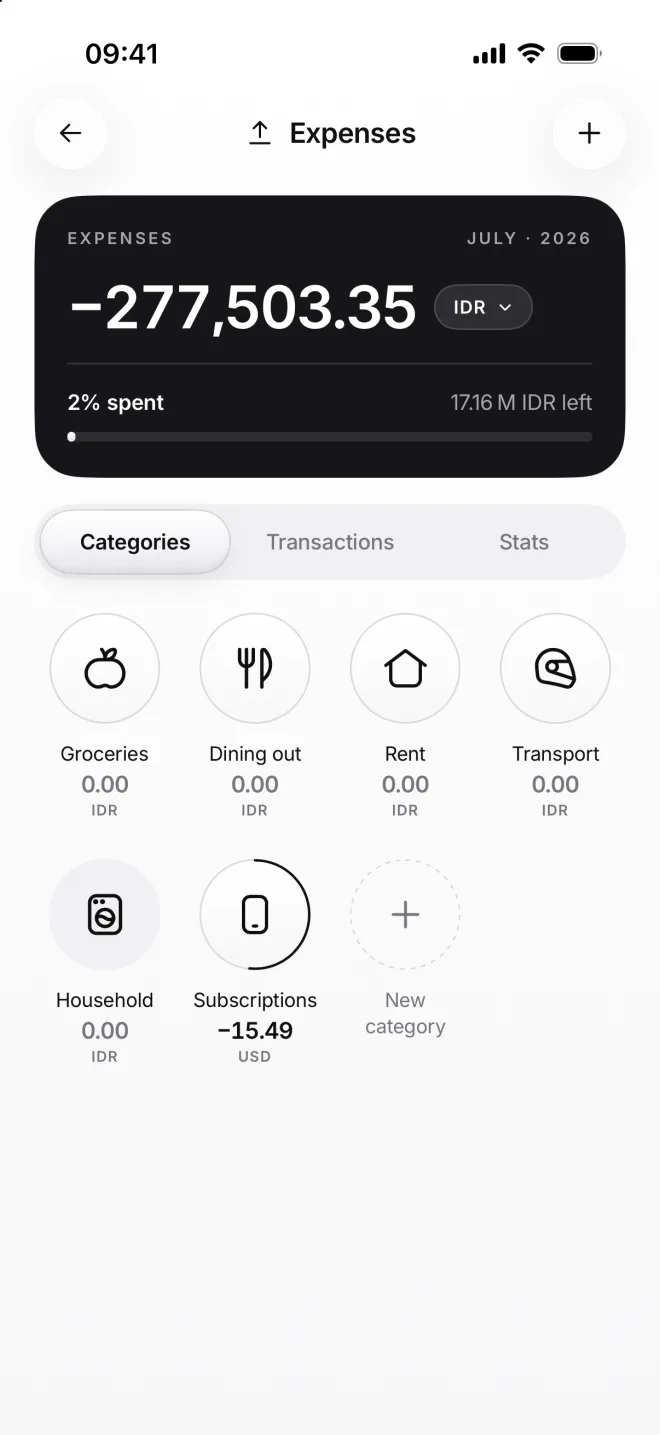
Add an expense
An expense is money that leaves for good: food, rent, a subscription. You add it From where the money was, like Wise, To one of your expense categories.
-
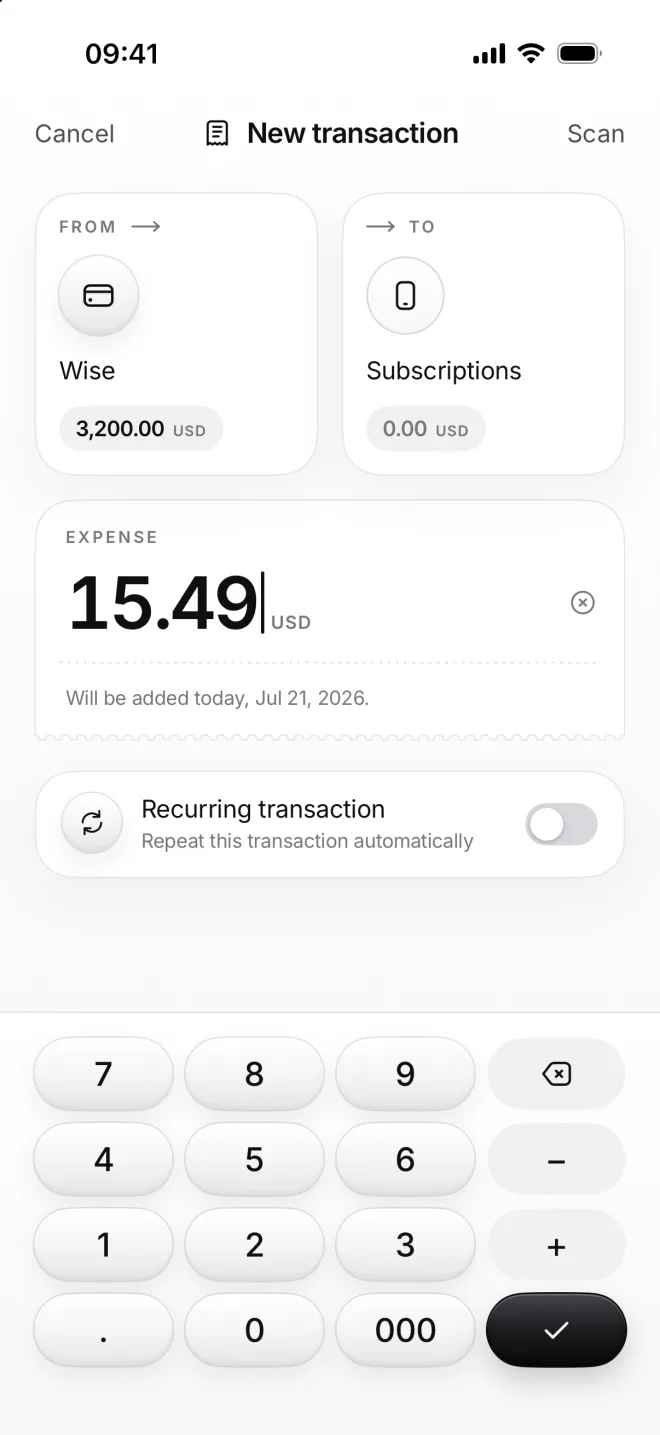
Choose From and To
Tap +, choose Wise as From and Subscriptions as To. Each tile in the form shows what that category holds this month.
Type 15.49 on the calculator. Its + and − let you add up a few numbers, like two items from one receipt, before you tap Add.
-
Add a comment, then Add
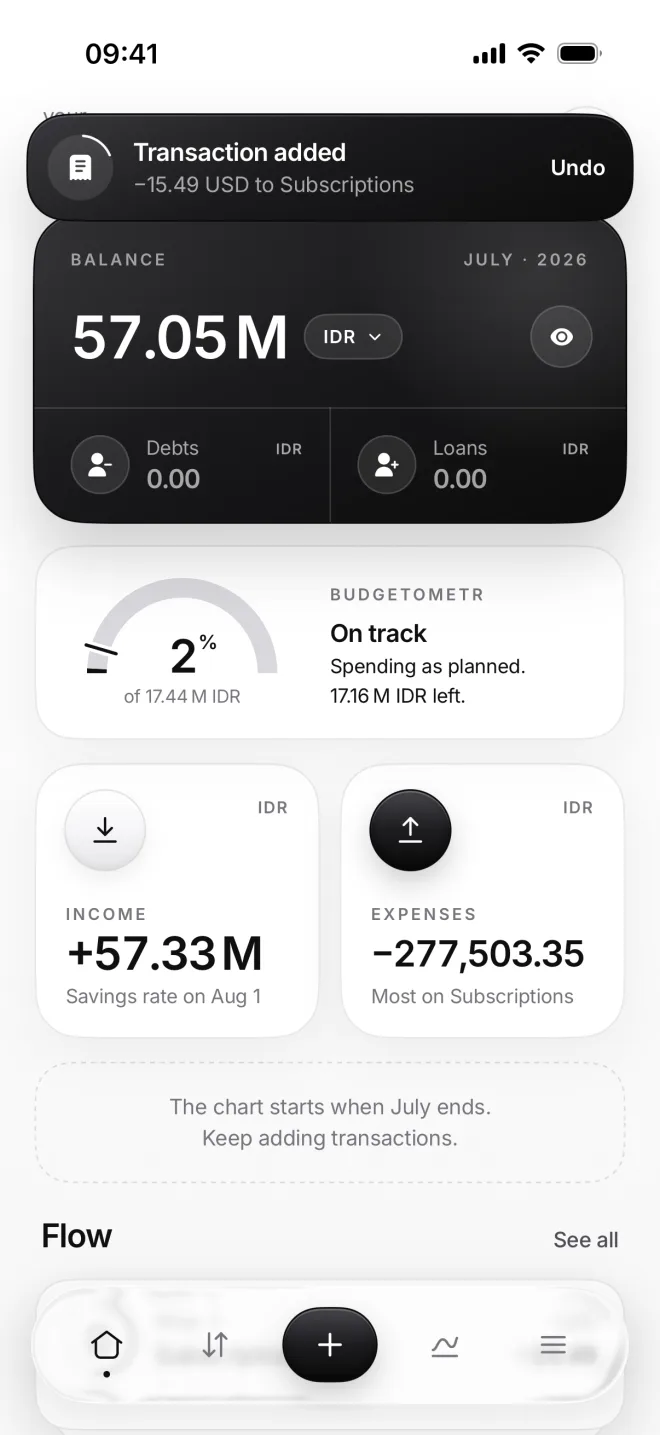
A comment says what it was, like Netflix: tap Comment before you add it. Then tap Add, and a banner confirms it with Undo.
Home updates right away: the balance goes down, Expenses goes up and the Budgetometr moves its arc: On track.
-
Watch the dial fill
On Expenses, the Subscriptions dial starts to fill: 15.49 of its 30-dollar budget is now spent. Spend it all and it turns black.
The card on top shows 2% of all your budgets spent so far. Tap Subscriptions to see this transaction on its own page.