When a scan goes wrong
Sometimes a photo is too dark, the paper isn’t a receipt or there’s no internet. moni says what happened and how to go on from there, and keeps your photo.
-
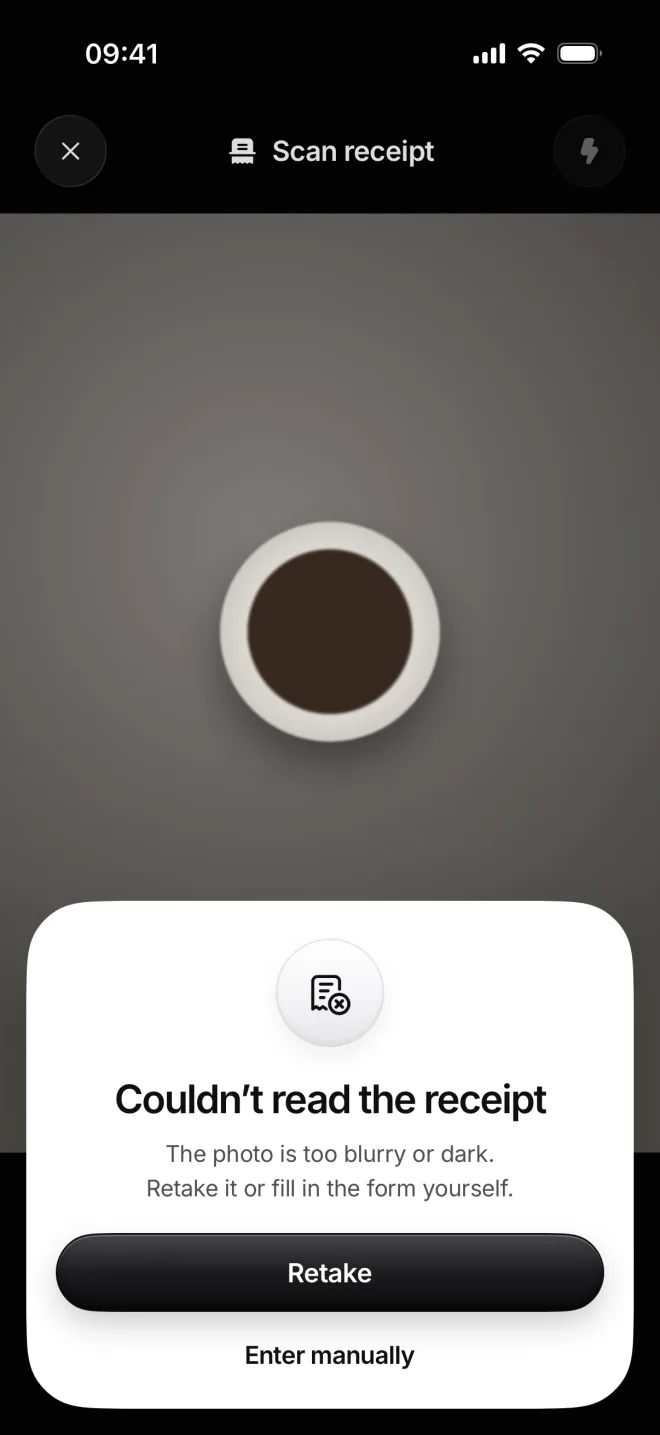
Couldn’t read the receipt
moni found no text on the photo: it’s too dark, blurred or not a receipt at all. Retake it in good light, holding the iPhone still.
Or tap Enter manually: the transaction form opens with the photo attached, and you type in what the receipt says yourself.
-
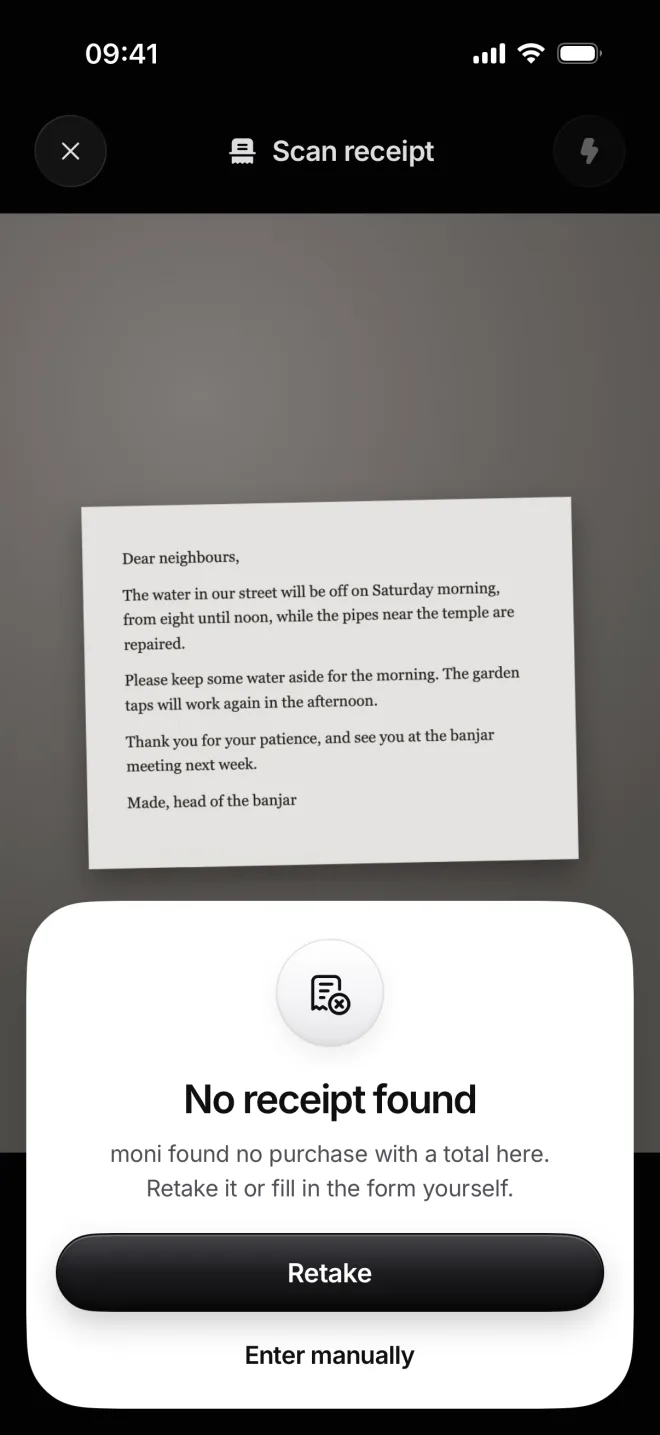
No receipt found
There is text, but no purchase with a total, like a letter or a page from a book. moni won’t ever guess an amount from it.
Retake a photo of the actual receipt, or tap Enter manually and fill in the form yourself, with this photo already attached to it.
-
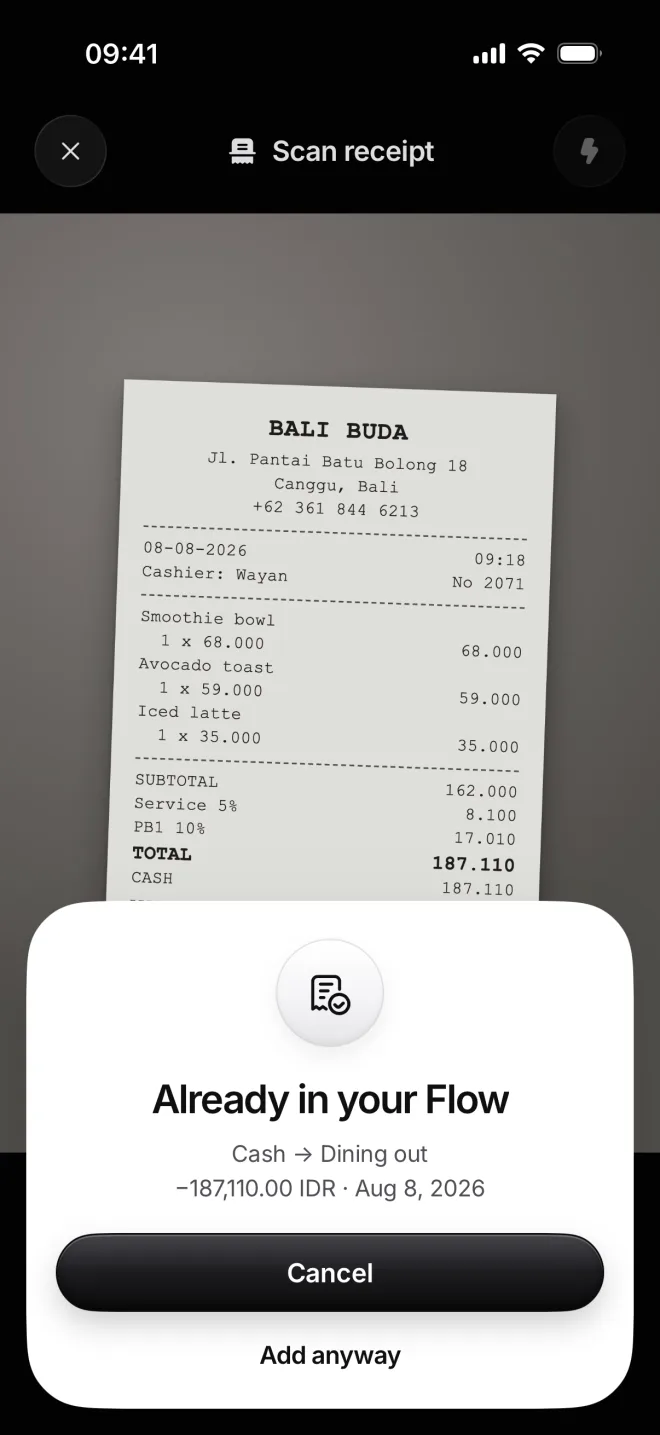
Already in your Flow
moni found an expense on the same day for exactly this total: here, the Bali Buda breakfast you scanned in lesson 15.
Cancel keeps your Flow just as it is. If you really did pay twice, tap Add anyway, and the second one is then added as well.
-
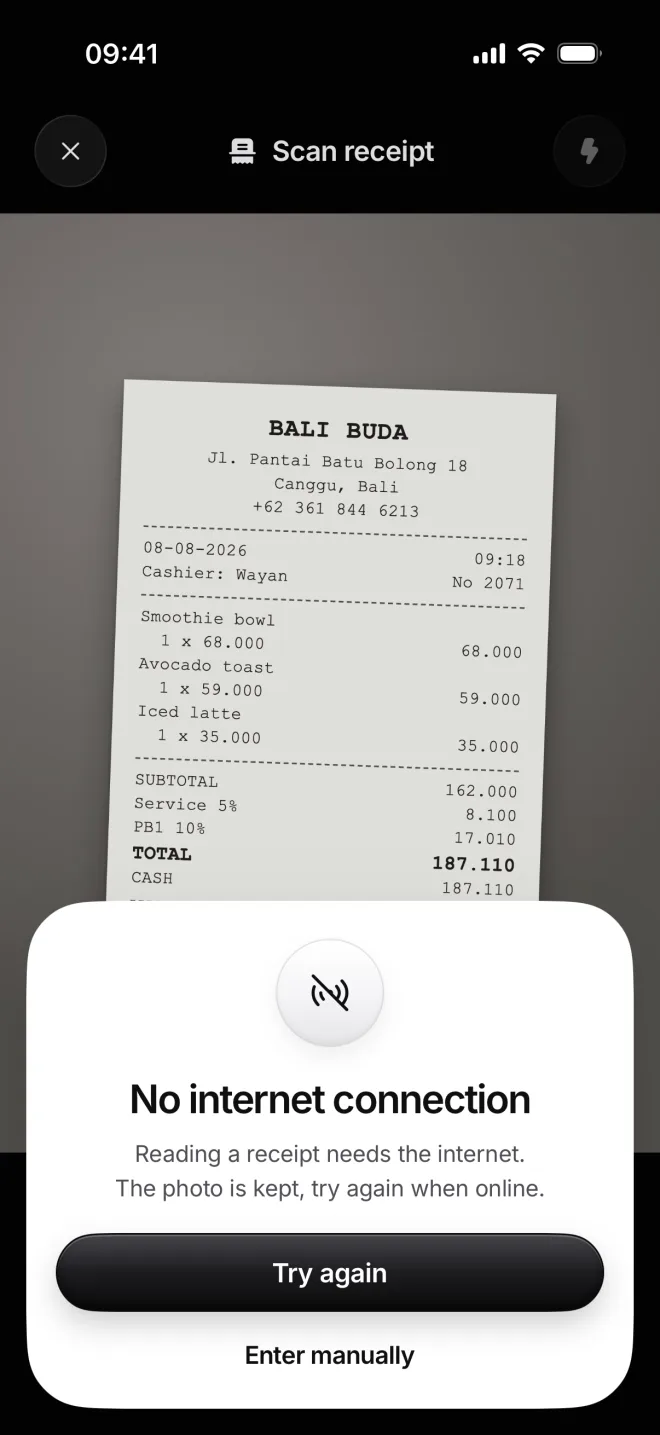
No internet connection
Reading a receipt needs the internet for a few seconds. The photo is kept: tap Try again as soon as you’re back online.
A scan that fails because of the connection doesn’t count toward your scans. Enter manually works offline, as always.
-
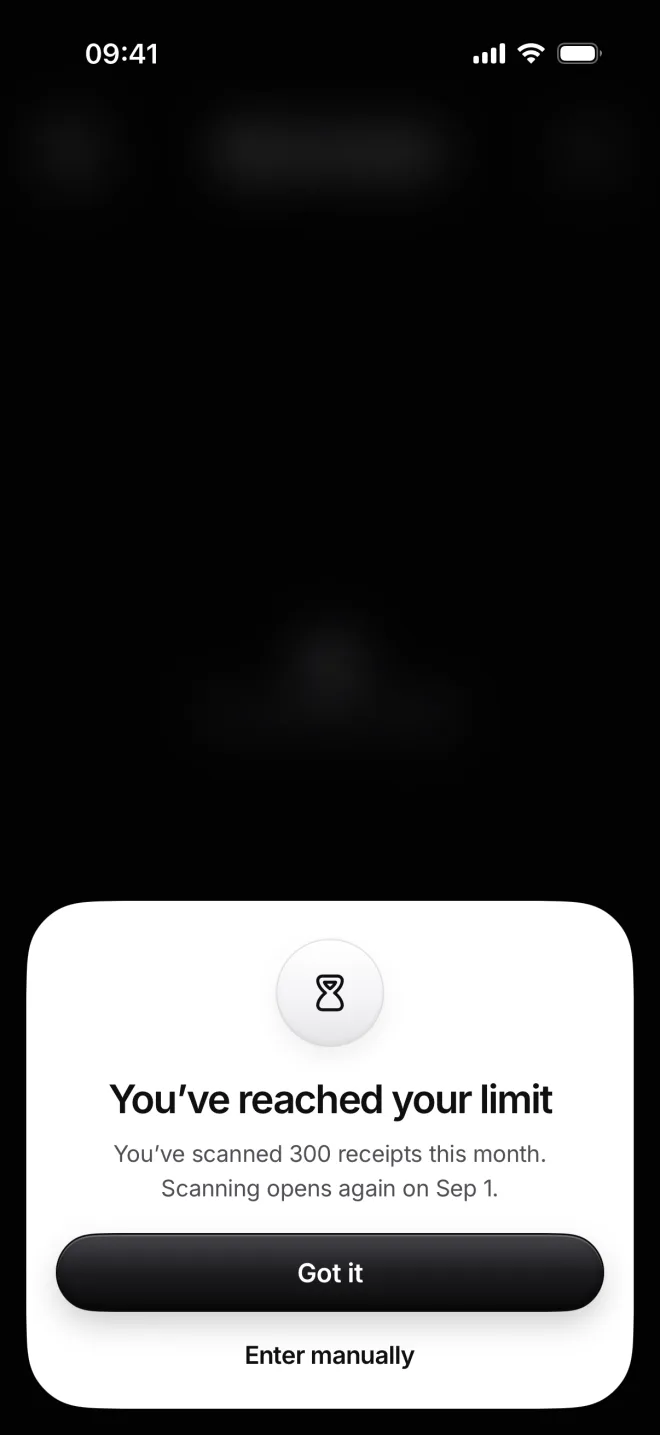
You’ve reached your limit
Every plan includes 300 scans a month, the free months too. Once they’re used, the camera blurs until the next month.
Everything else keeps working. Enter manually adds the transaction by hand, and your scanned ones stay as they are.