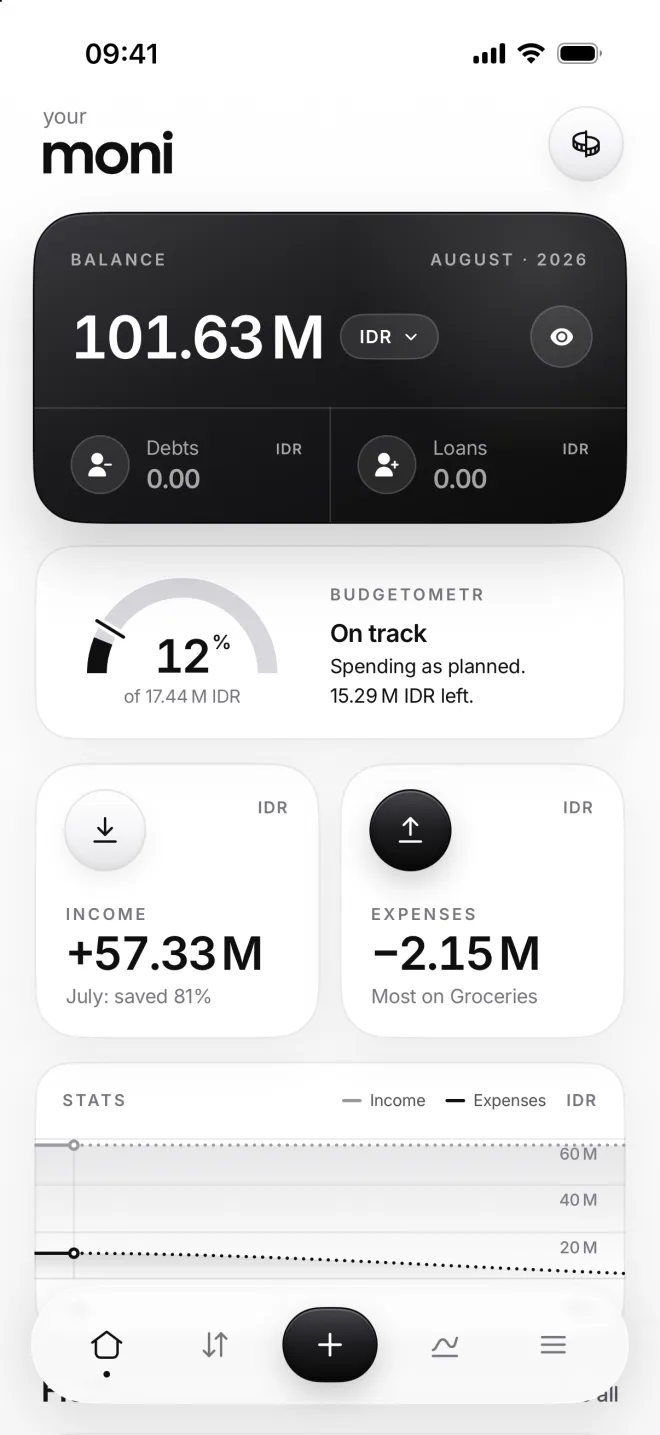
Set a budget and read the Budgetometr
A budget is how much you plan to spend in a category each month. moni follows it on every dial and adds it all up in the Budgetometr at the top of Home.
-
Give a category a budget
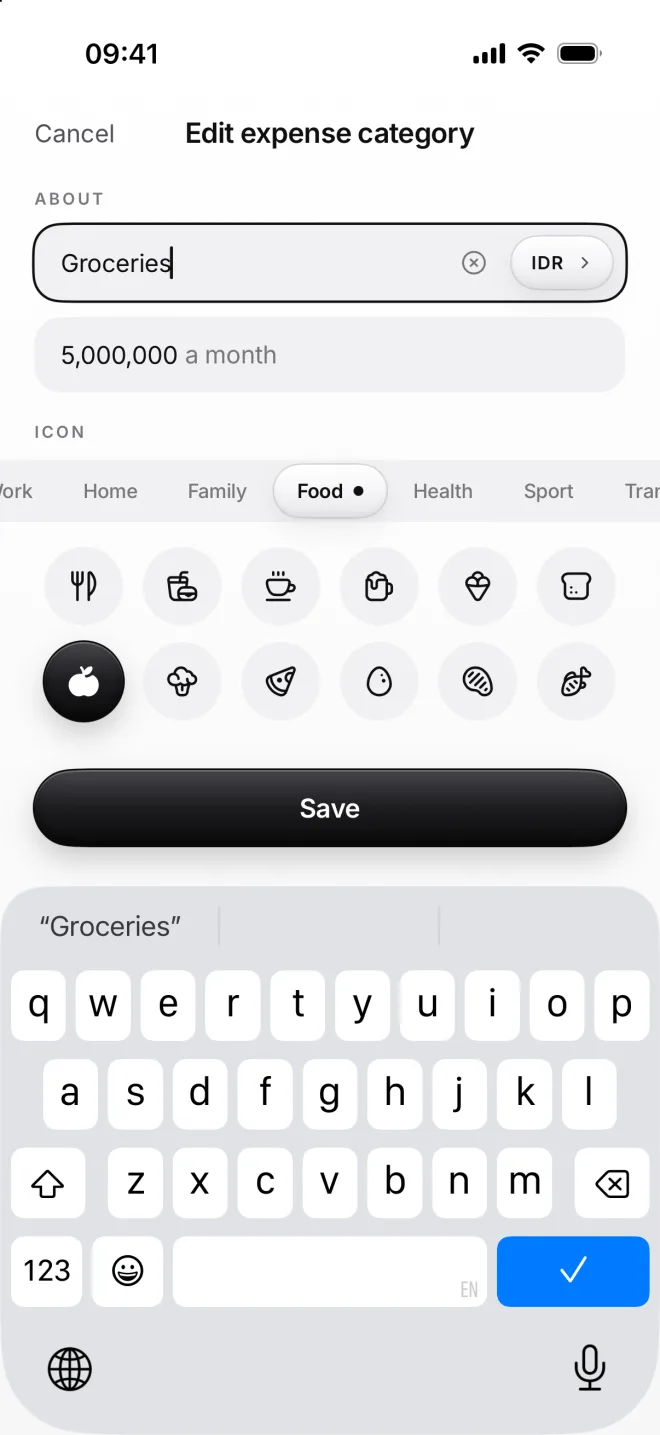
Open an expense category, tap ··· and then Edit category. Type how much you plan to spend a month, like 5,000,000 here.
moni’s own calculator stands in for the keyboard here, so you can add up: 3,000,000+2,000,000 becomes 5,000,000.
-
See it on Expenses
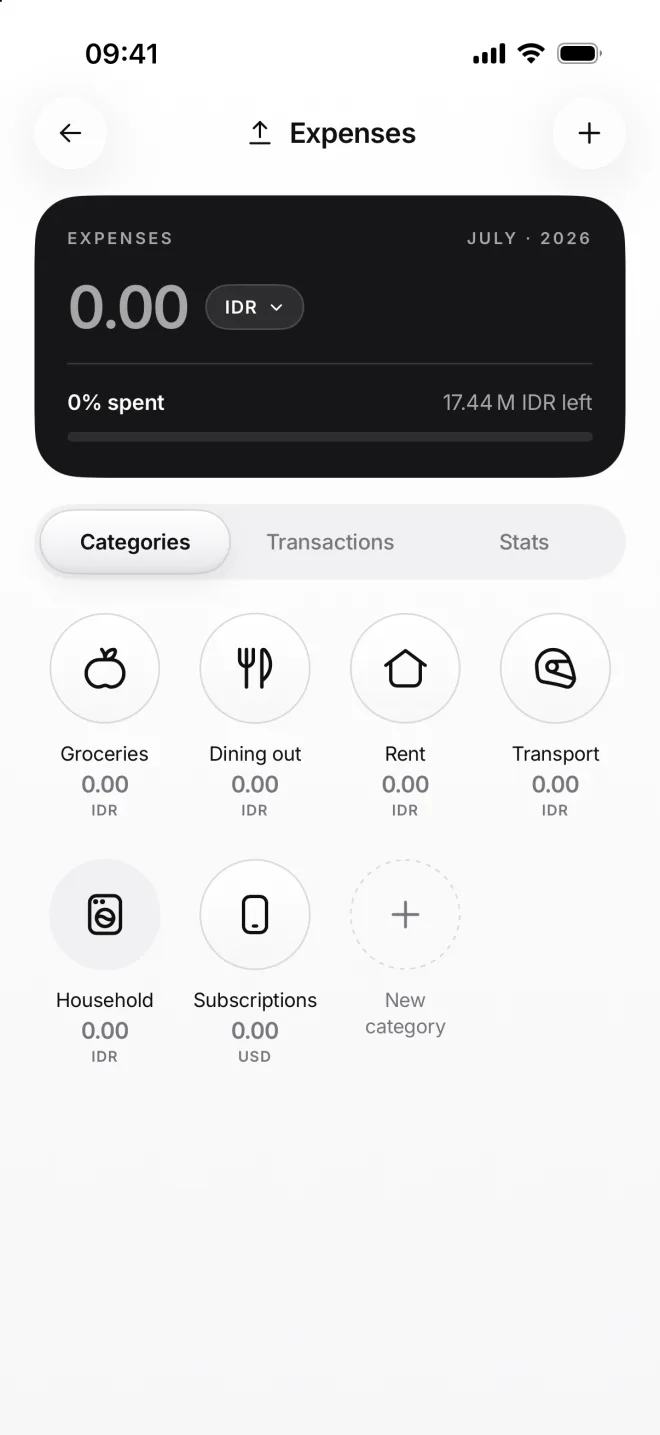
Expenses shows how much of all your budgets is spent this month, and how much is left. Each dial fills up as you spend.
A dial with no budget stays flat. Once a category reaches its budget, its dial turns solid black: that’s your sign to slow down.
-
Meet the Budgetometr
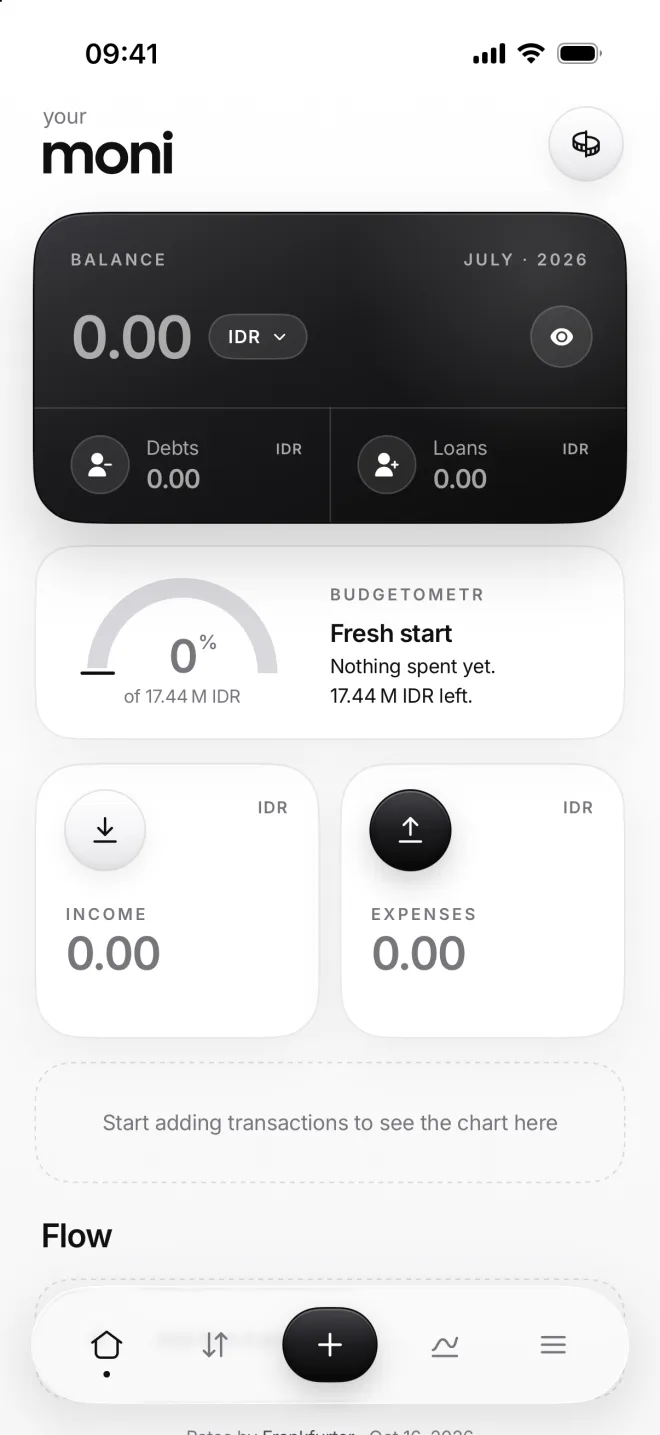
The Budgetometr on Home adds up all your budgets. On your very first day it reads Fresh start, with its needle lying flat.
Until you set your first budget, Home shows a dashed note in its place. You can hide it in Settings, under Display on Home.
-
Read the needle
The arc is what you’ve spent, the needle is where you would be if you spent evenly. Here, on August 12, it reads On track.
Room to spare means you’re below the plan, Too fast that you’re ahead of it. Rent and other bills count as planned once paid.