How moni counts: From → To
Every transaction in moni moves money from one category to another. Where the money comes from and where it goes tells moni what the transaction is.
-
Every transaction is From → To
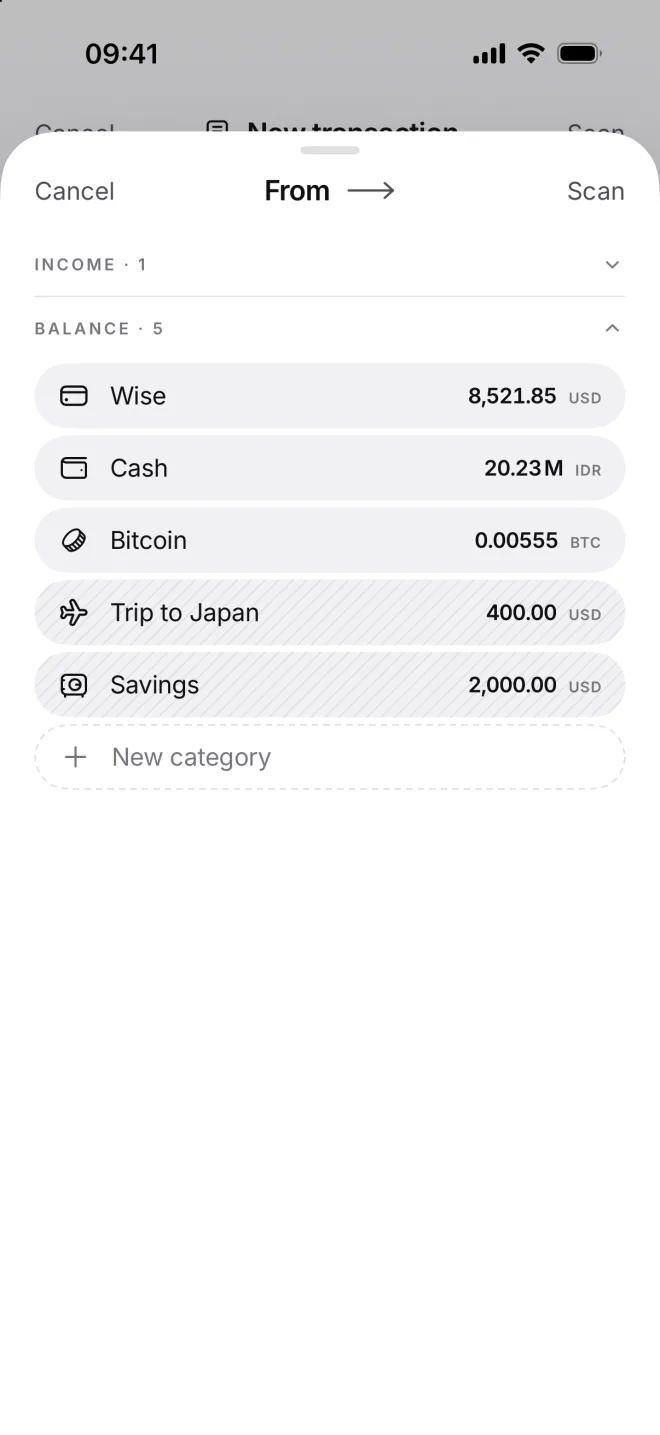
When you add a transaction, moni asks two things: From, where the money comes from, and To, where it goes. That’s all of it.
Your categories live in three sections: Income, Balance and Expenses. Like Salary, Wise and Groceries from your first setup.
-
Income: from Income to Balance
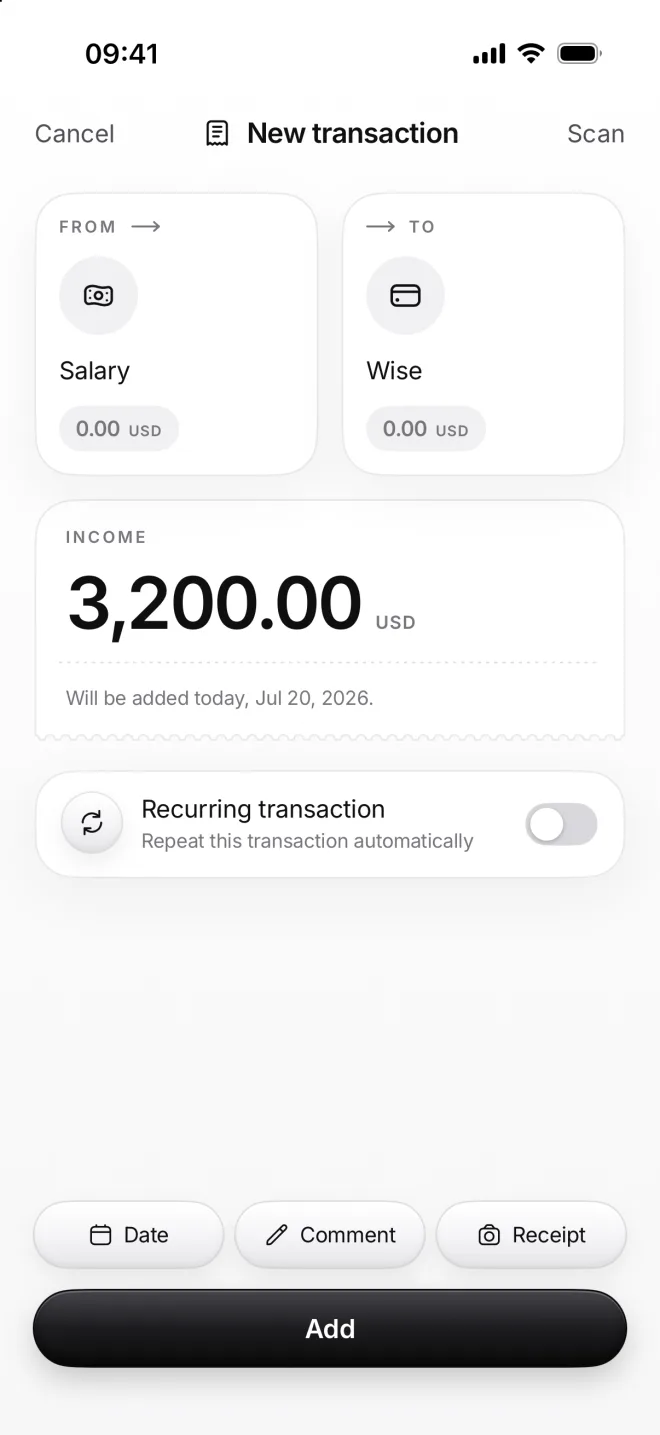
Salary to Wise is income: money comes into your hands. moni adds it to your balance and to this month’s income on Home.
Income categories say where money comes from: a salary, freelance work, a gift. Balance categories say where you keep it.
-
Expense: from Balance to Expenses
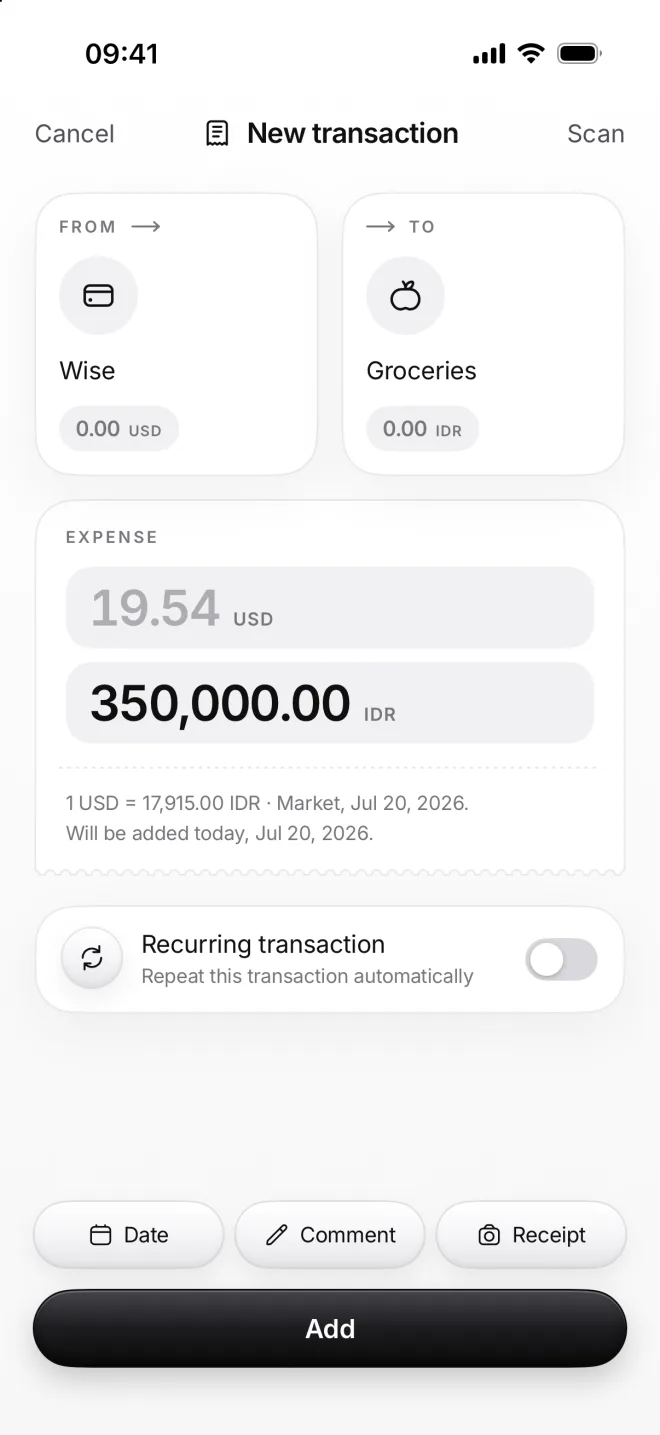
Wise to Groceries is an expense: the money leaves your balance for good. It counts toward this month’s expenses and budget.
Here Wise is in dollars and Groceries in rupiahs, so moni shows both amounts and turns one into the other at the day’s rate.
-
Transfer: from Balance to Balance
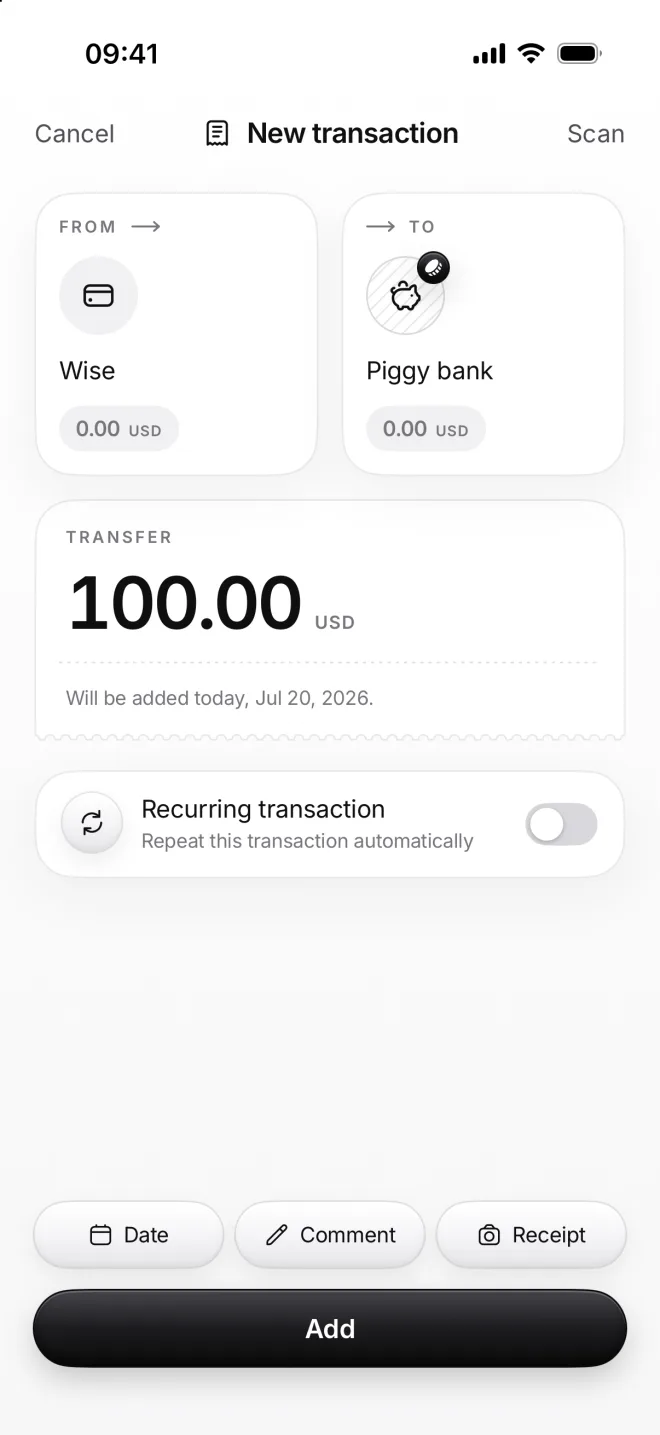
Wise to Piggy bank is a transfer: the money is still yours, it only moves. A transfer counts as neither income nor an expense.
Getting cash, paying off a card and saving up are transfers too. Your balance stays the same, unless one side is left out of it.