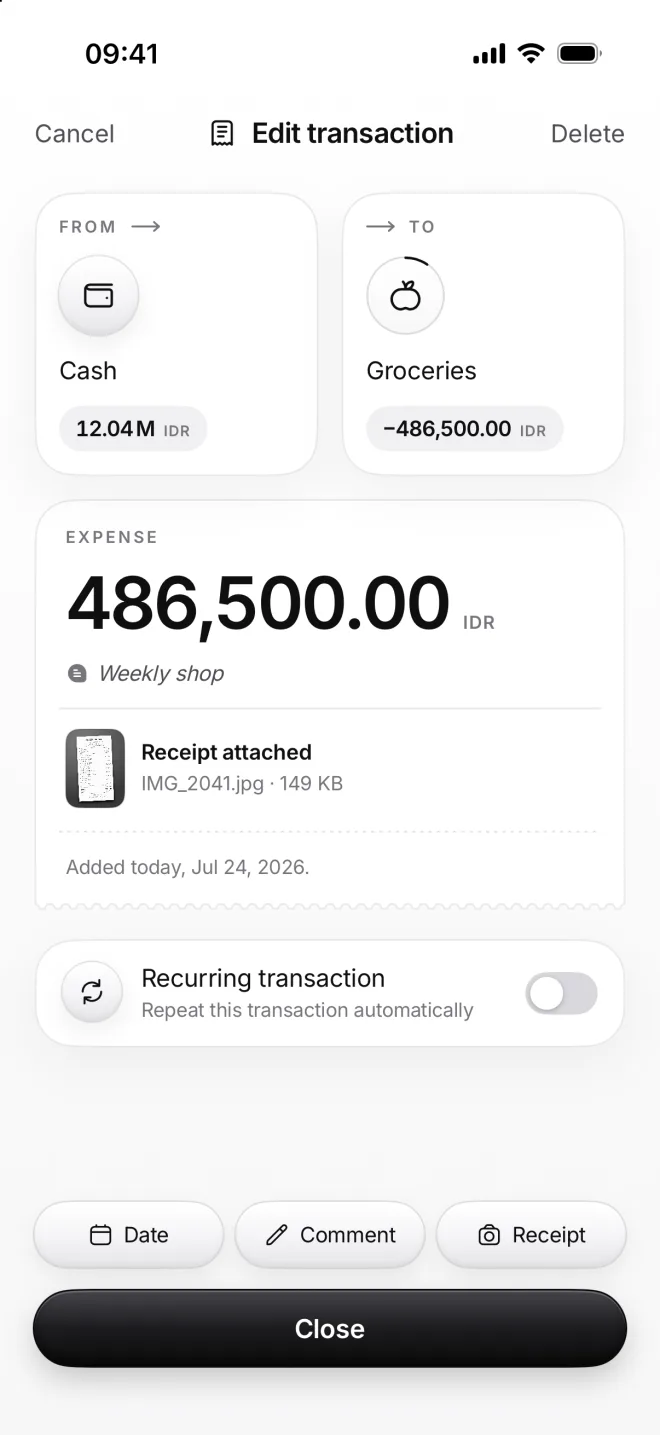
Add a date, a comment or a receipt photo
Three buttons above Add tell more about a transaction: when it happened, what it was for and what the receipt said. You can change all three of them later.
-
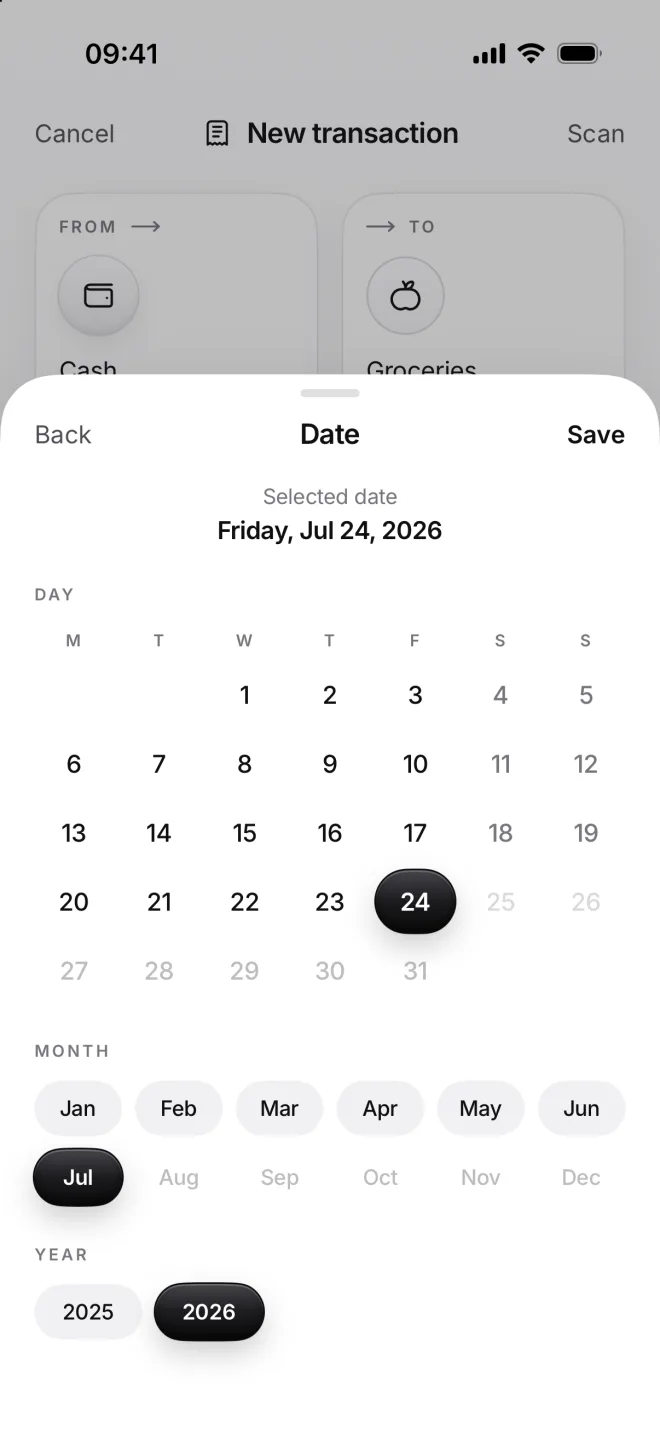
Pick another day
Forgot to add yesterday’s groceries? Tap Date and choose the day, the month and the year. Days after today aren’t there.
Here it’s today, Friday, July 24. The note under the amount says which day it will be added on, before you even tap Add.
-
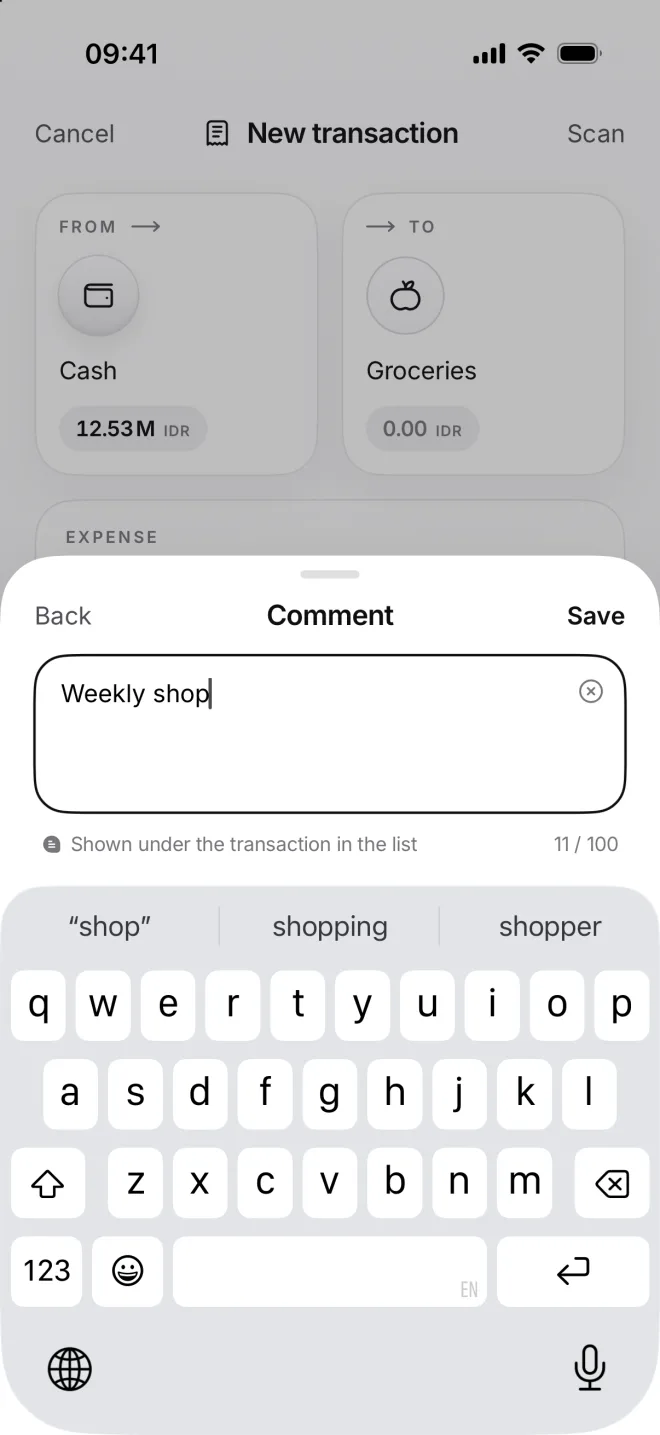
Write a comment
Comment is a short note, up to 100 characters, like Weekly shop. It shows under the transaction in every list, in italics.
It also helps to find a transaction later, as the search in Flow looks through every comment as well as category names.
-
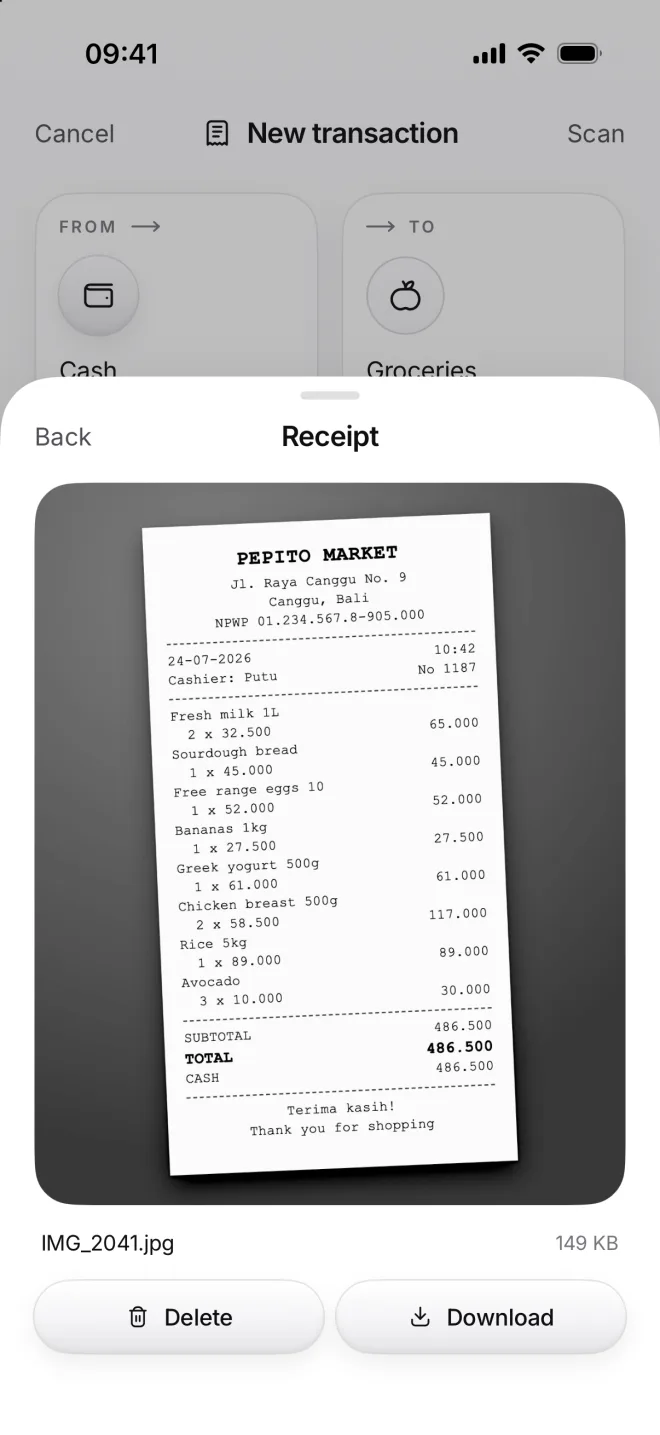
Attach the receipt
Receipt takes a photo, picks one from your Photos or opens a file. moni keeps its own black and white copy, small and sharp.
Deleting the photo from your gallery won’t touch it. Download saves it back to your Photos if you ever need to share it.
-
See them later
Open the transaction from Flow. The comment sits under the amount, the receipt under it: tap it to see the photo full screen.
Change any of the three and tap Save. A camera mark next to the amount in the list shows which transactions have a receipt.