Pay in another currency

Your card is in dollars, the price is in rupiahs: moni keeps both amounts. Type the one you know, and the other follows at the exchange rate of the day.

Lesson 12 of 32 2 min
  1. Type the price you saw

    Choose Wise as From and Dining out as To. moni opens a field for each currency: type the bill, 412,500, in the rupiah one.

    The dollar field then fills itself at the day’s rate, in grey: it’s only moni’s estimate. The note below shows the rate and its day.
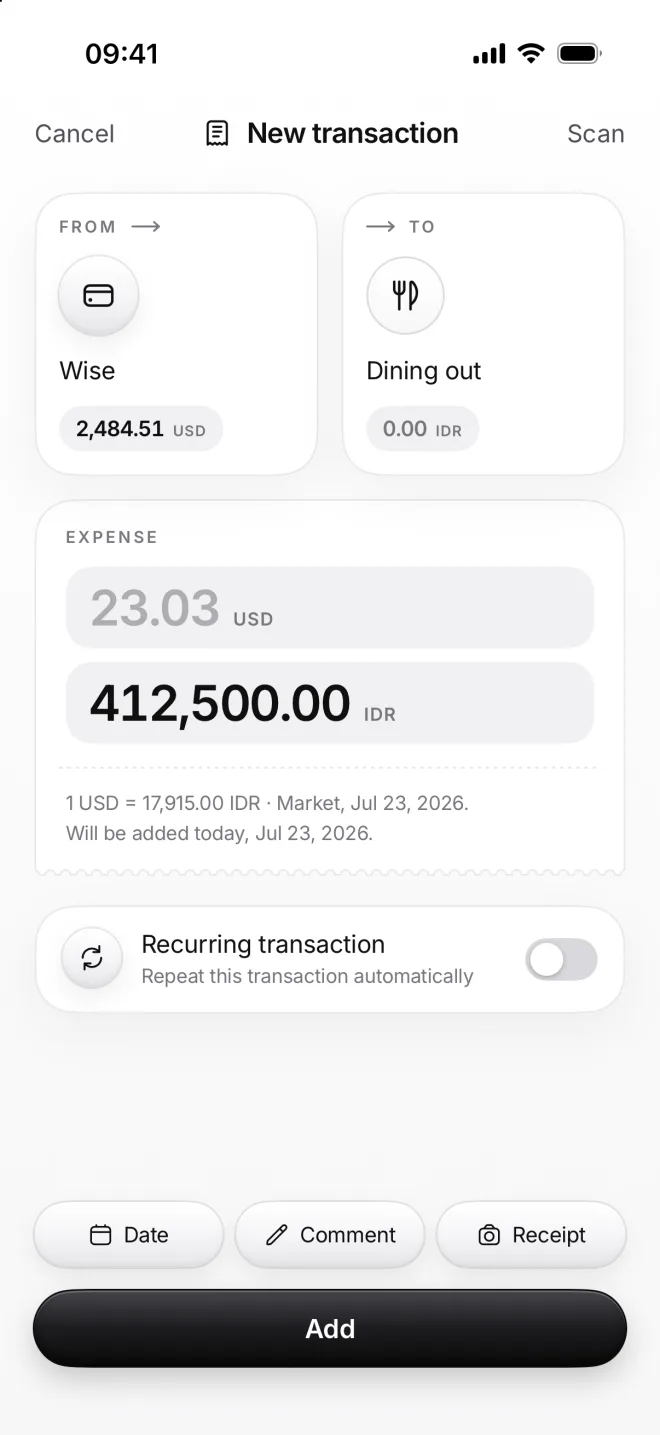
    New transaction from Wise to Dining out: 412,500 rupiahs typed and 23.04 dollars in grey at the day’s rate
  2. Or both, as the bank charged

    Once Wise shows what it charged, tap the dollar field and type it, 23.30. Both amounts are now yours, and both turn black.

    The note says Your rate next to the market one. The gap is what the card or the bank charged on top of the exchange rate.
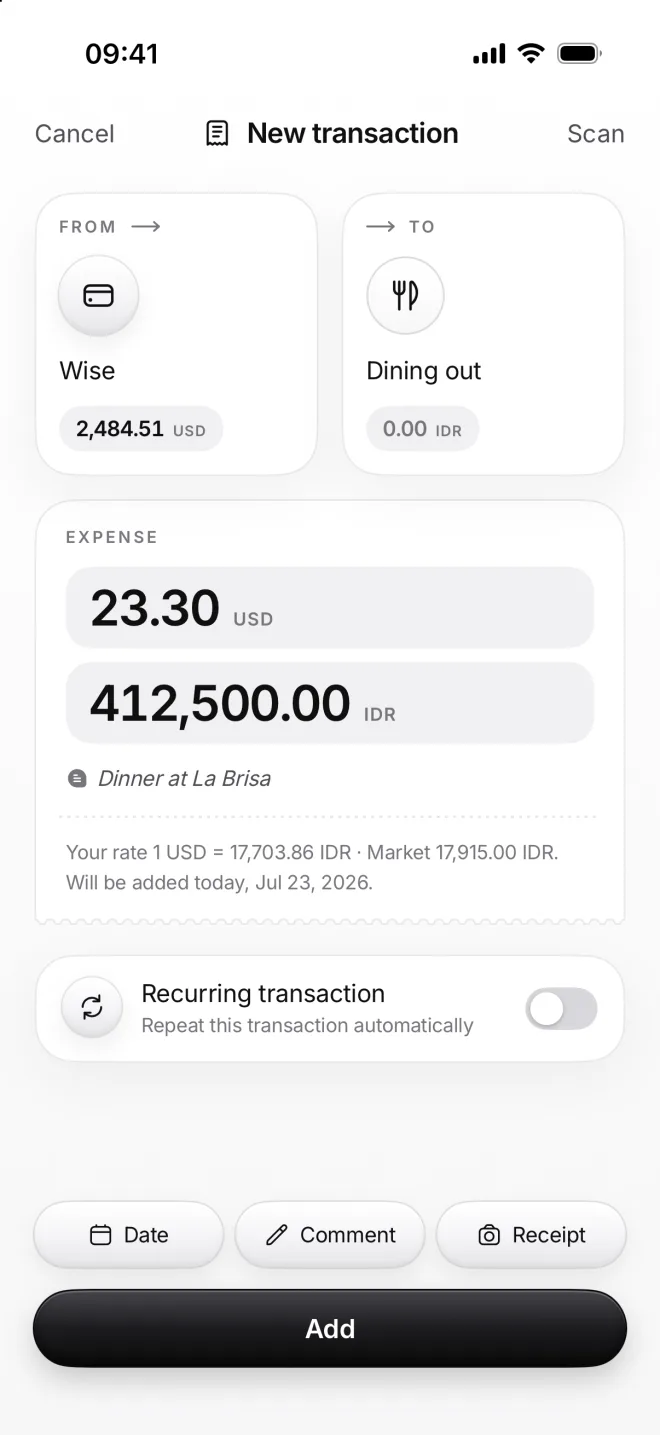
    The same expense with both amounts typed, 23.30 dollars and 412,500 rupiahs, Your rate next to the market rate
  3. Both amounts in Flow

    In Flow the row shows both: minus 23.30 dollars from Wise at the top, and minus 412,500 rupiahs for Dining out below.

    Each category keeps its own currency. Totals in your main currency use the exchange rate of every transaction’s day.
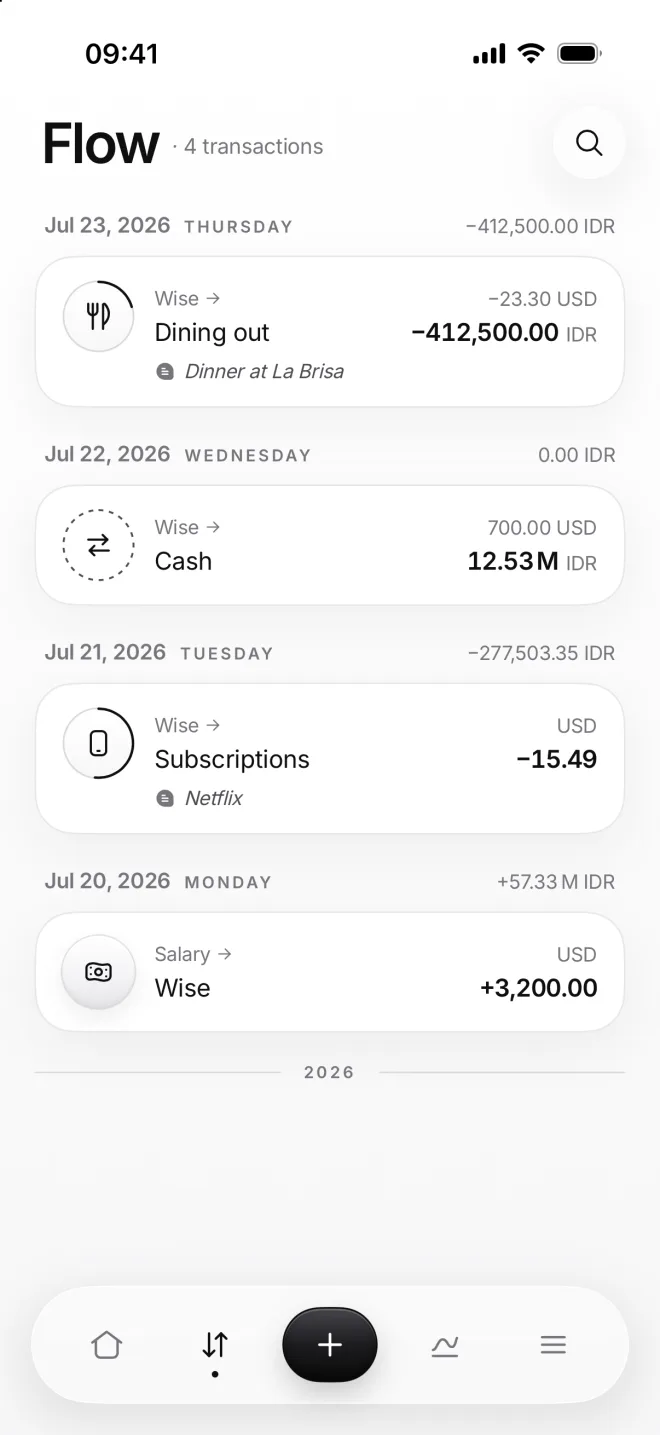
    Flow with Dinner at La Brisa: −23.30 US dollars from Wise and −412,500.00 rupiahs to Dining out

If something goes wrong

Which field do I type in first?
The one in your main currency. If neither of them is, it’s the upper one, From. Tap the other field to type into it instead: the amount you typed first stays put.
I typed into the wrong field
Tap the cross in that field to clear it, and moni goes back to converting it from the other one. Or tap the other field and type the amount you know into it instead.
Do my totals change with the rate?
Past transactions keep the rate of their day, so this month’s income and expenses never move. Only your balance follows today’s rate, as it’s money you hold now.