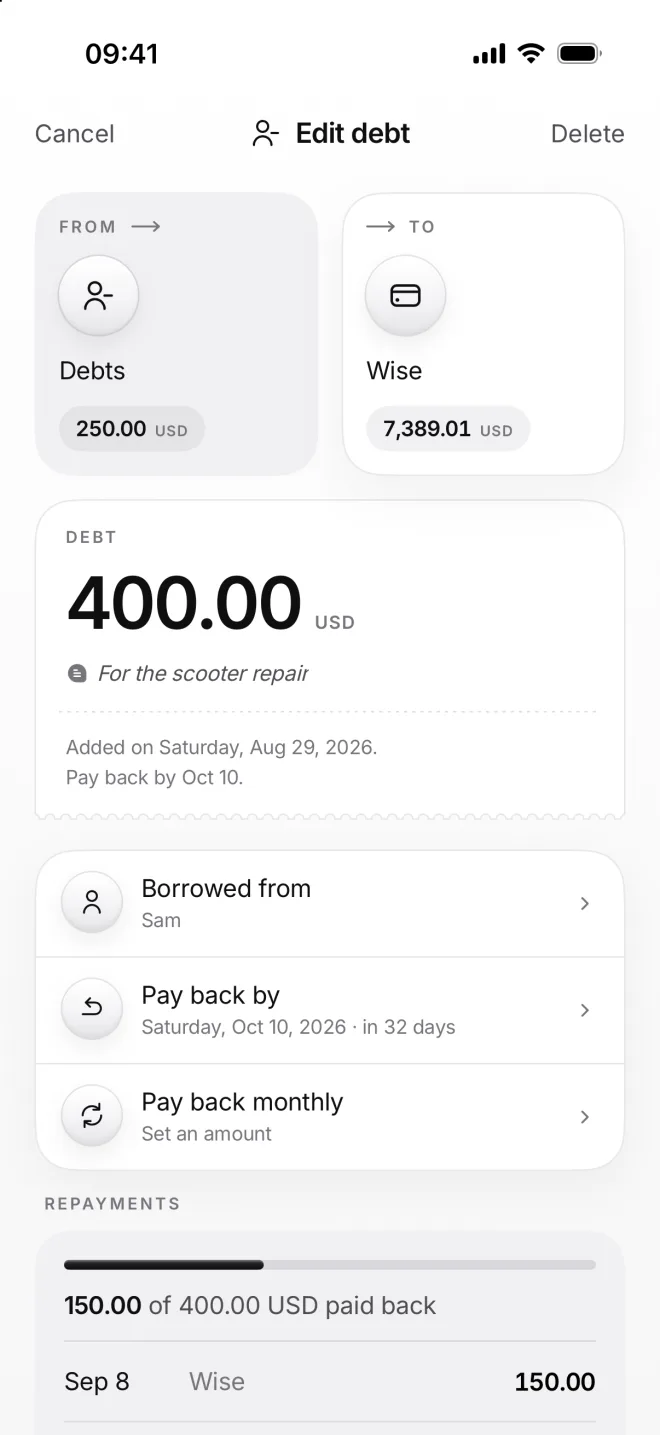
Repay a debt
Pay a debt back all at once or bit by bit. Each repayment is a transfer back, and moni shows you how much is still left to pay until the debt is closed for good.
-
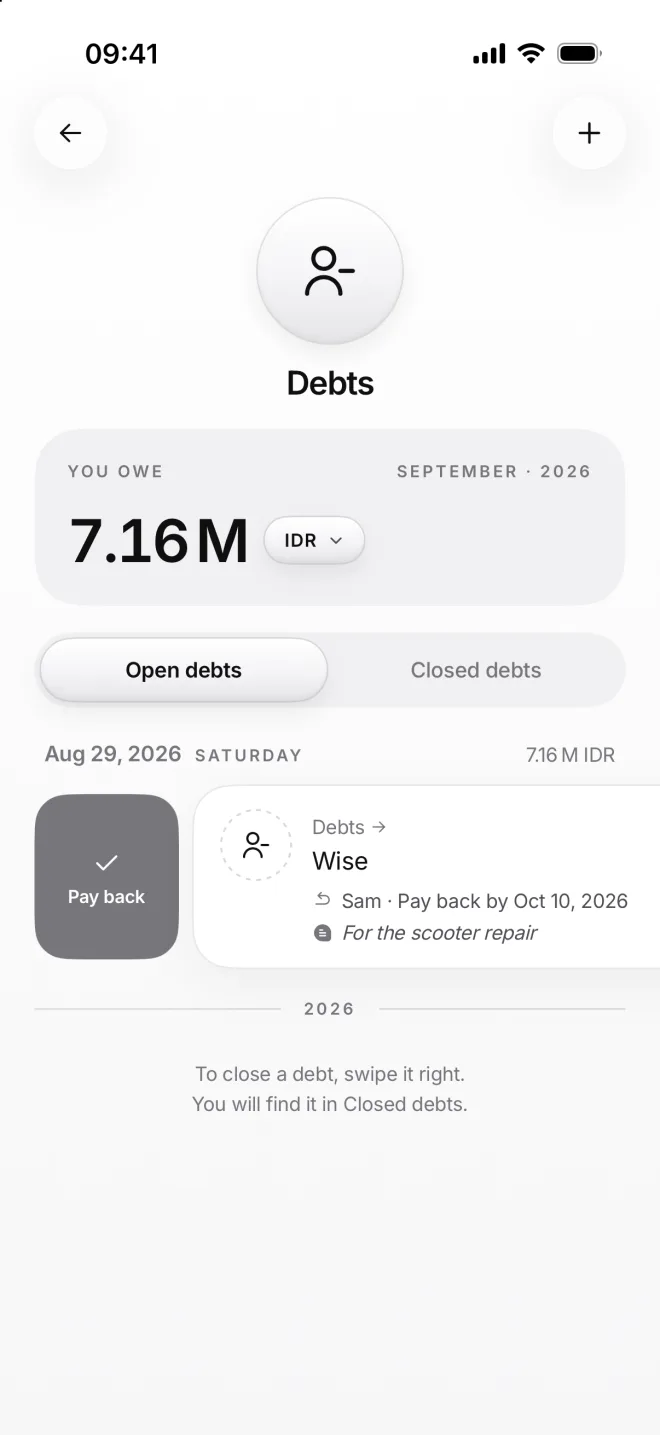
Swipe to pay back
On the Debts page, swipe a debt to the right and tap Pay back. A long swipe pays back everything that’s still left, at once.
-
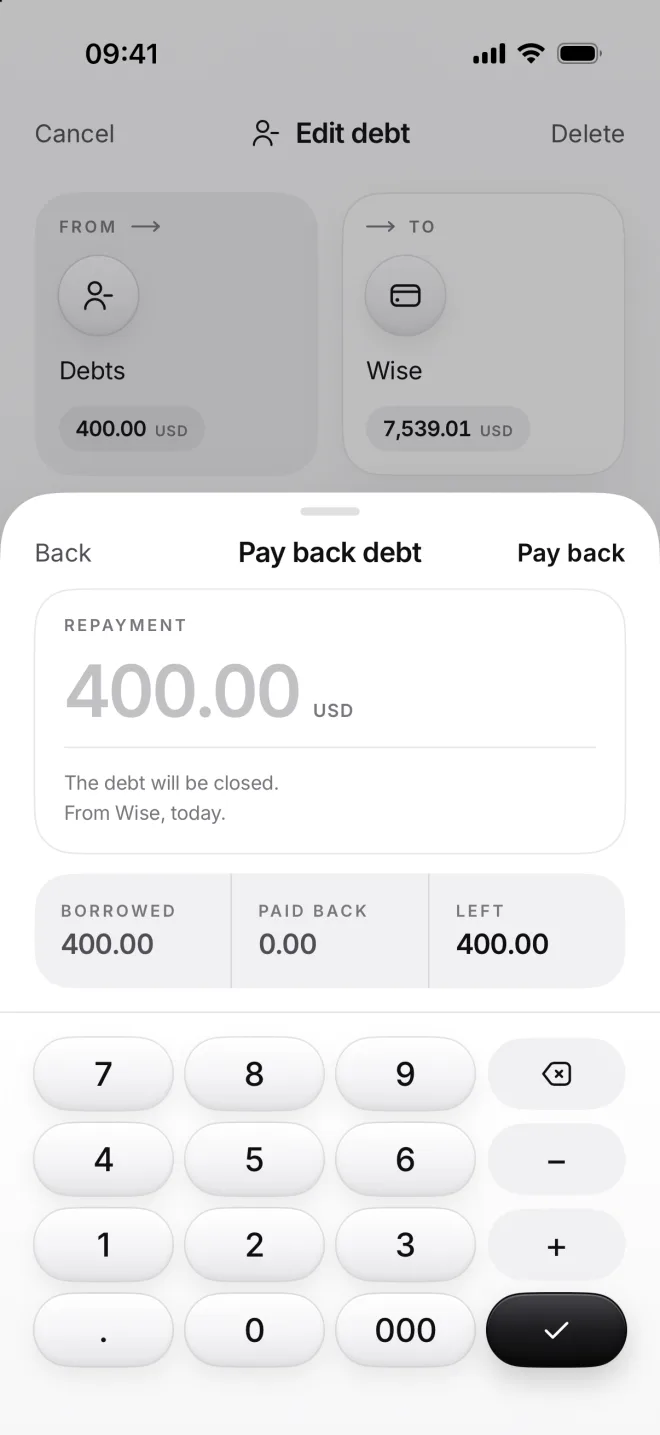
Choose how much
The amount starts as everything that’s left, in grey. Type in a smaller amount to pay back a part, like 150 dollars to Sam.
Below it: borrowed, paid back so far and what will be left. The money comes from Wise, today; you can change both later.
-
See what’s left
Open the debt to see its Repayments: 150 of 400 dollars paid back so far, each payment with its own day and with its account.
Pay back monthly sets a repeat for the rest, the last one only what’s left. Or tap Mark the rest as forgiven, if Sam lets it all go.