Add to a shared category
You add to a shared category like to any other, from your own account. Everyone sees the amount and who added it, but never the account it came from.
-
Add as usual
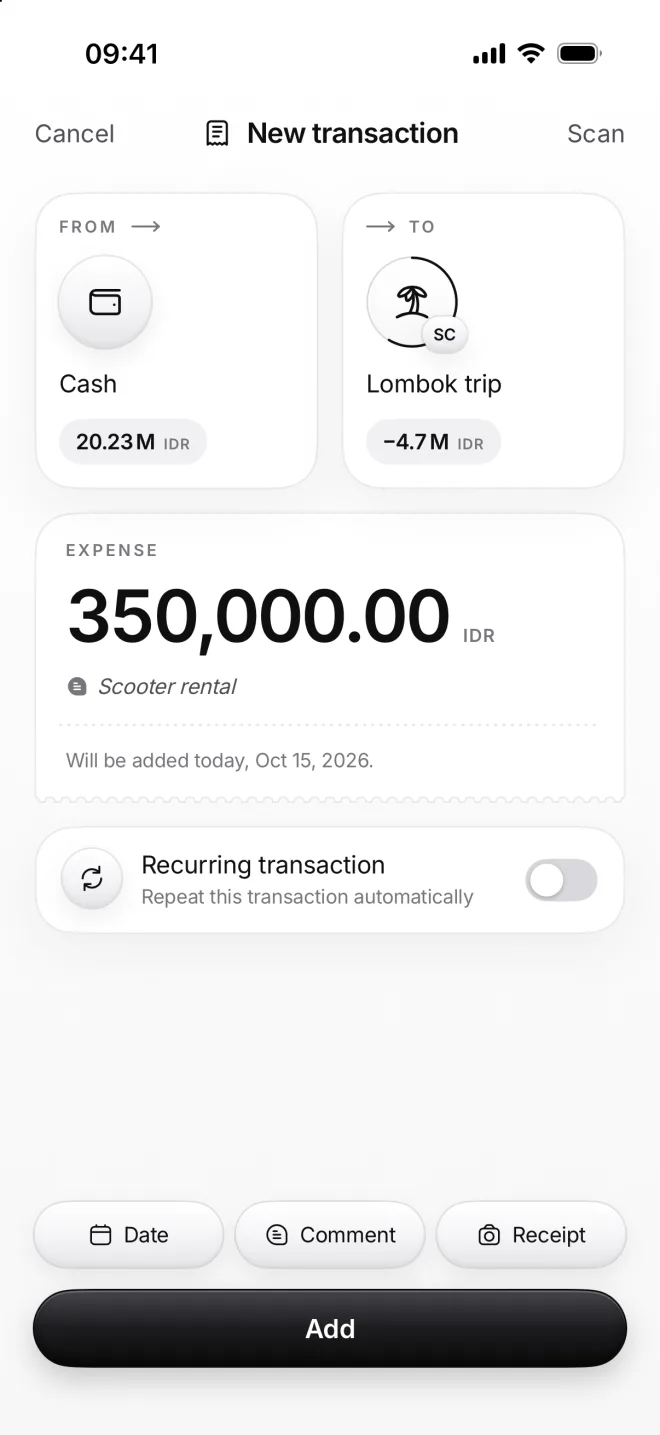
Tap +, pick where the money comes from, then the shared category as To. Here: 350,000 rupiahs from Cash to Lombok trip.
Sam sees the amount, the date, your comment and your receipt, under your name. That it came from Cash stays with you.
-
See who added what
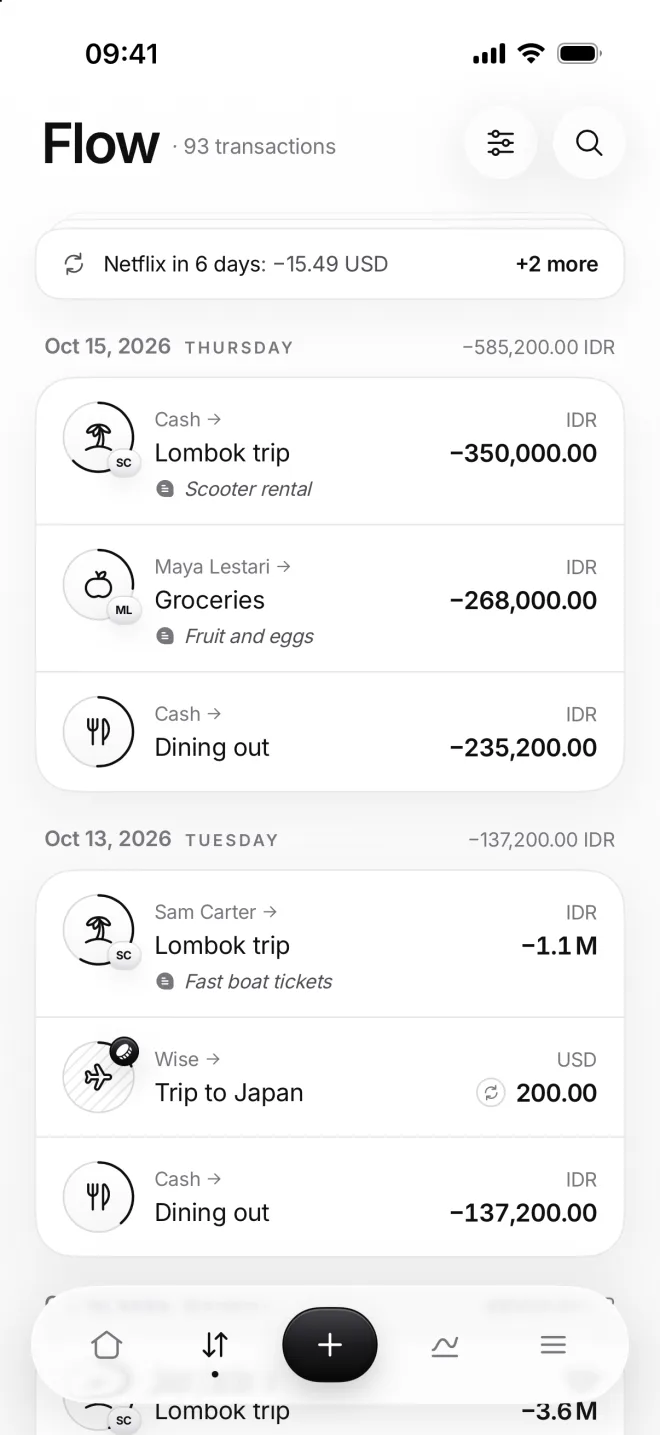
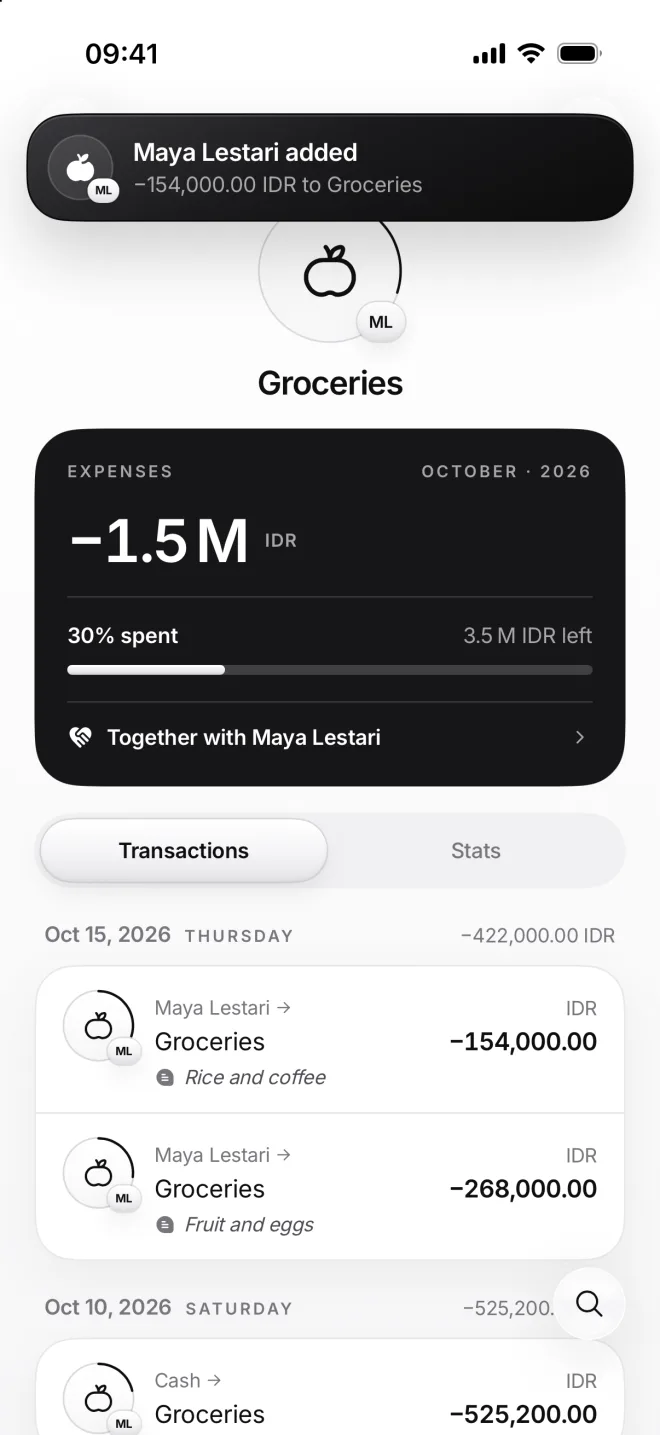
In Flow, your transaction shows your account, as always. Someone else’s shows their name instead: Maya Lestari → Groceries.
The initials on the dial tell a shared category apart. Each person’s transactions reach everyone’s moni in moments.
-
Open someone else’s transaction
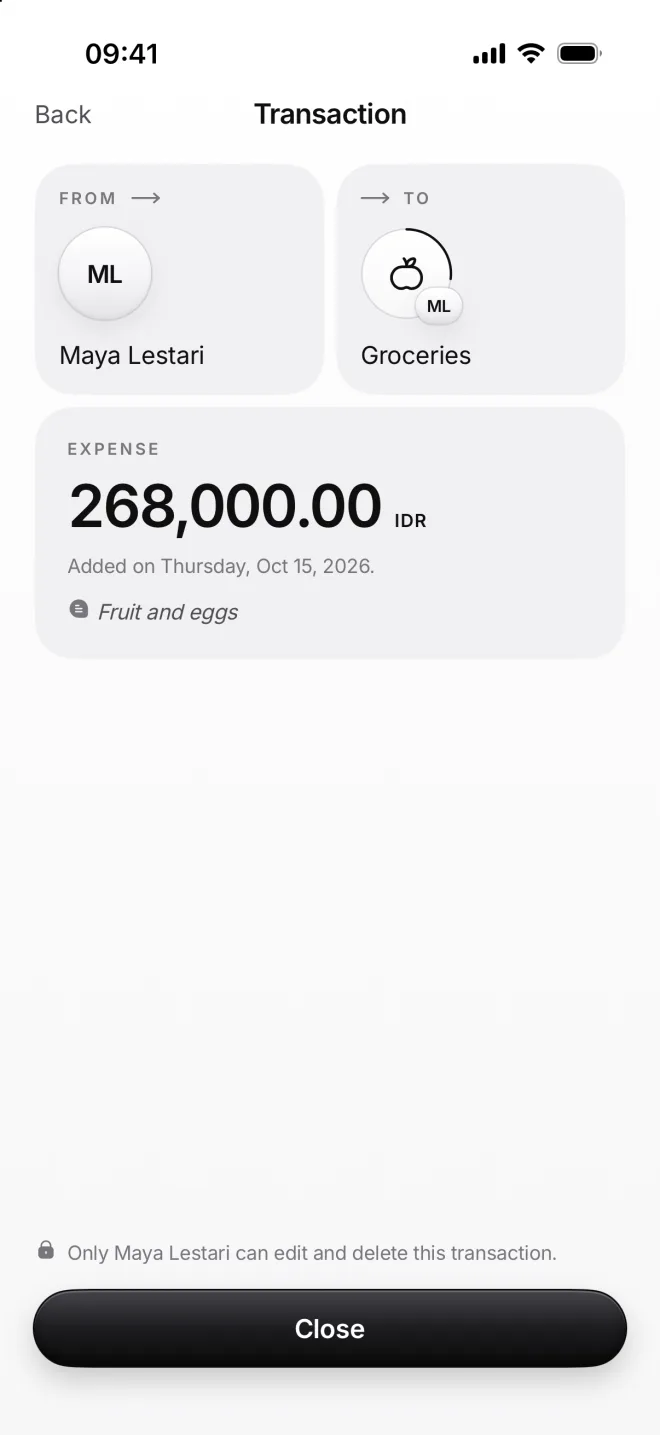
Tap it to read it: who added it, how much, on which day and with what comment. Only its author can change or delete it.
It works both ways: Maya can open and read what you add to Groceries, but only you can edit or delete your transactions.
-
Know when someone adds
When someone adds to a shared category, moni tells you: a banner while it’s open, a notification on your iPhone when it’s not.
Here Maya just bought rice and coffee for 154,000 rupiahs. Notifications need to be on for moni, in your iPhone’s Settings.
-
See who spent how much
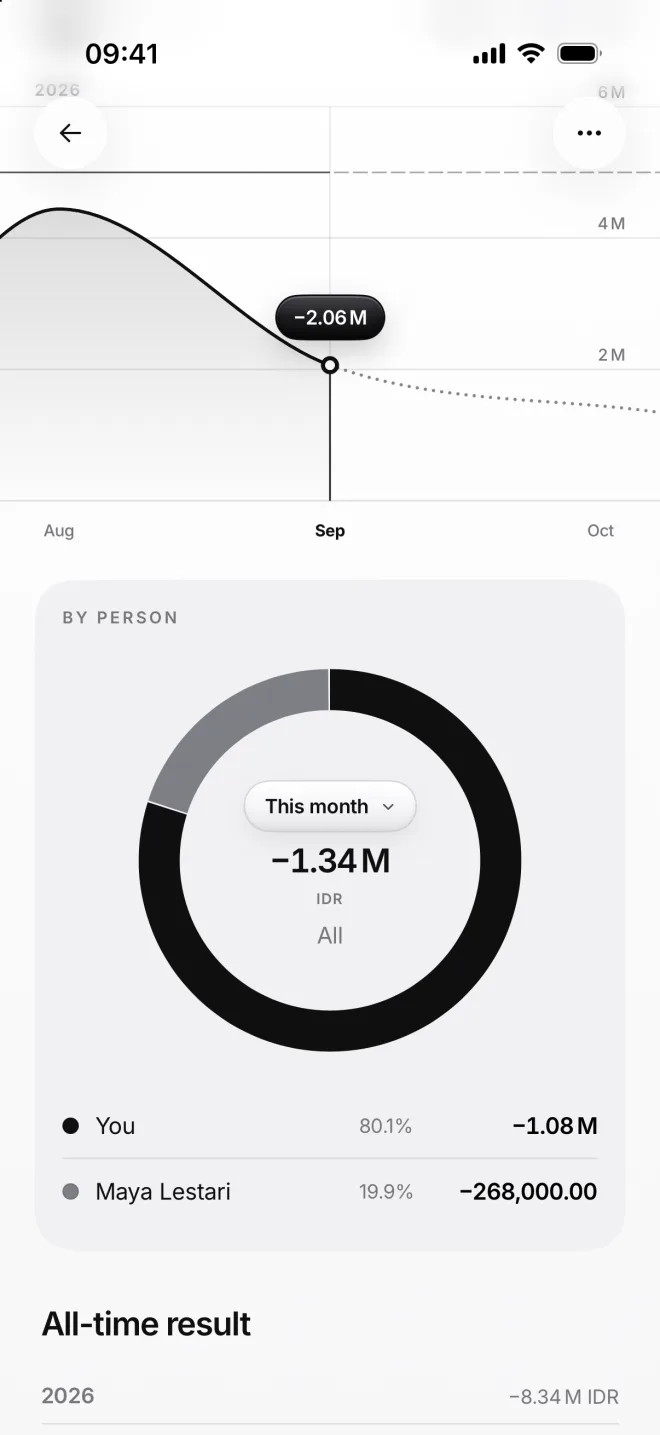
The Stats tab of a shared category has one more ring: By person. It shows how much each of you added, for the month you pick.
This October, the groceries are 1.34 million rupiahs: 80% of it you, 20% Maya. Tap a part of the ring to see it alone.