Sync with iCloud
moni can keep a live copy of your data in your own iCloud: safe if you lose your iPhone, and the same on every iPhone signed in to your Apple Account.
-
Open Data sync
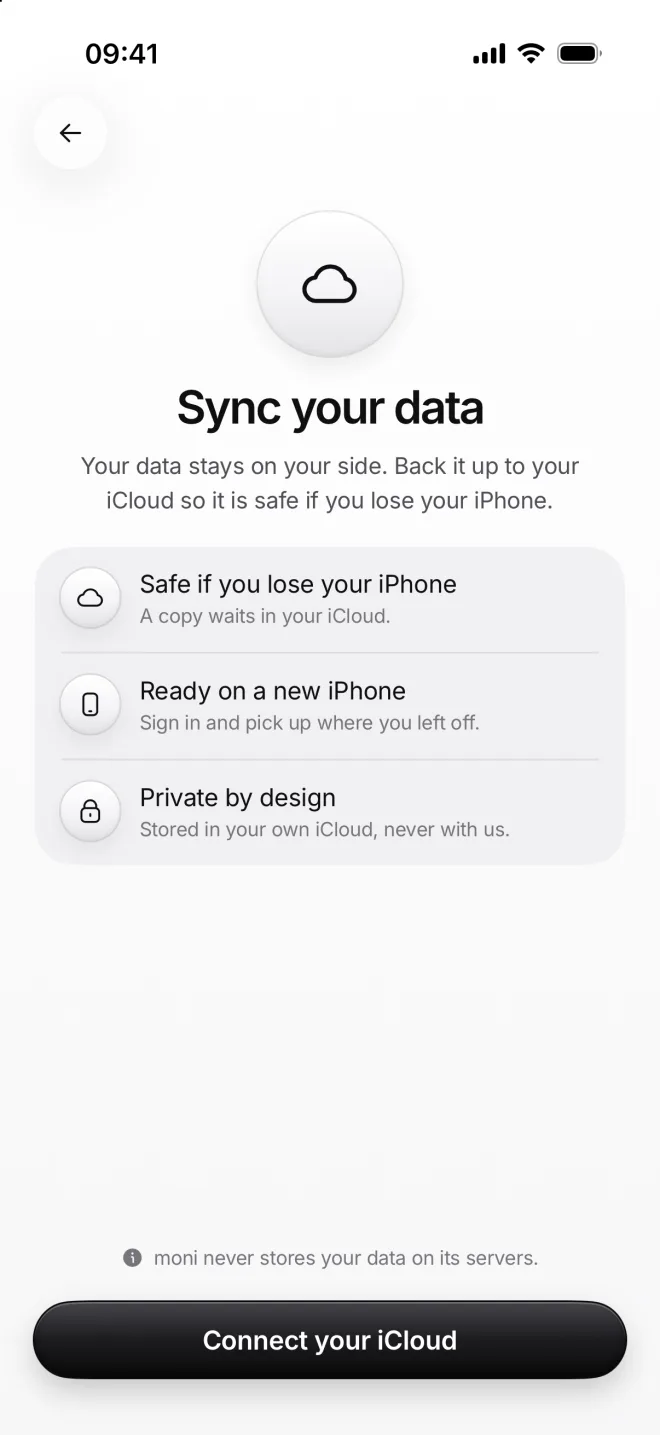
Open Menu, then Data sync. It comes with moni Go, moni Stay and their free months, and keeps your data in your own iCloud.
Tap Connect your iCloud. moni saves a copy of this iPhone’s data first, so nothing gets lost while it connects to iCloud.
-
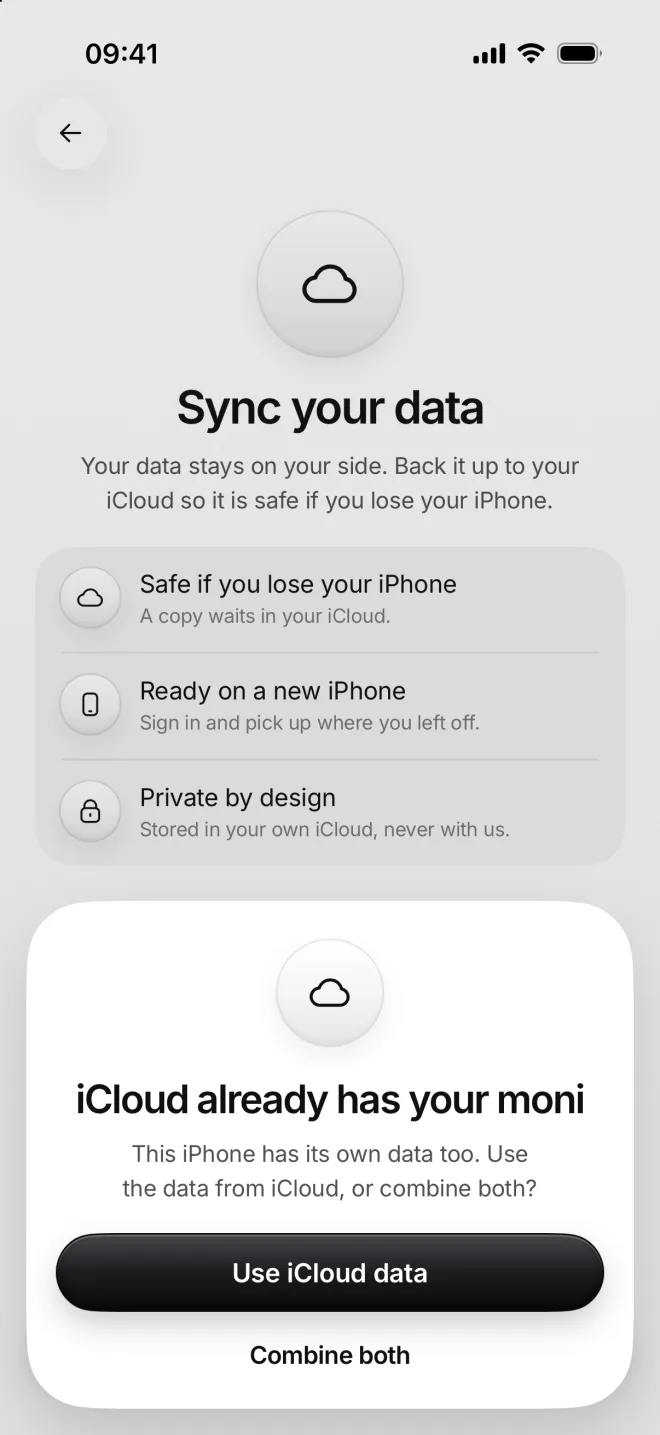
iCloud already has your moni
If your iCloud already holds moni data from another iPhone, and this iPhone has data of its own, moni asks you what to do.
Use iCloud data replaces this iPhone’s data. Combine both keeps all of it and joins the categories that share a name.
-
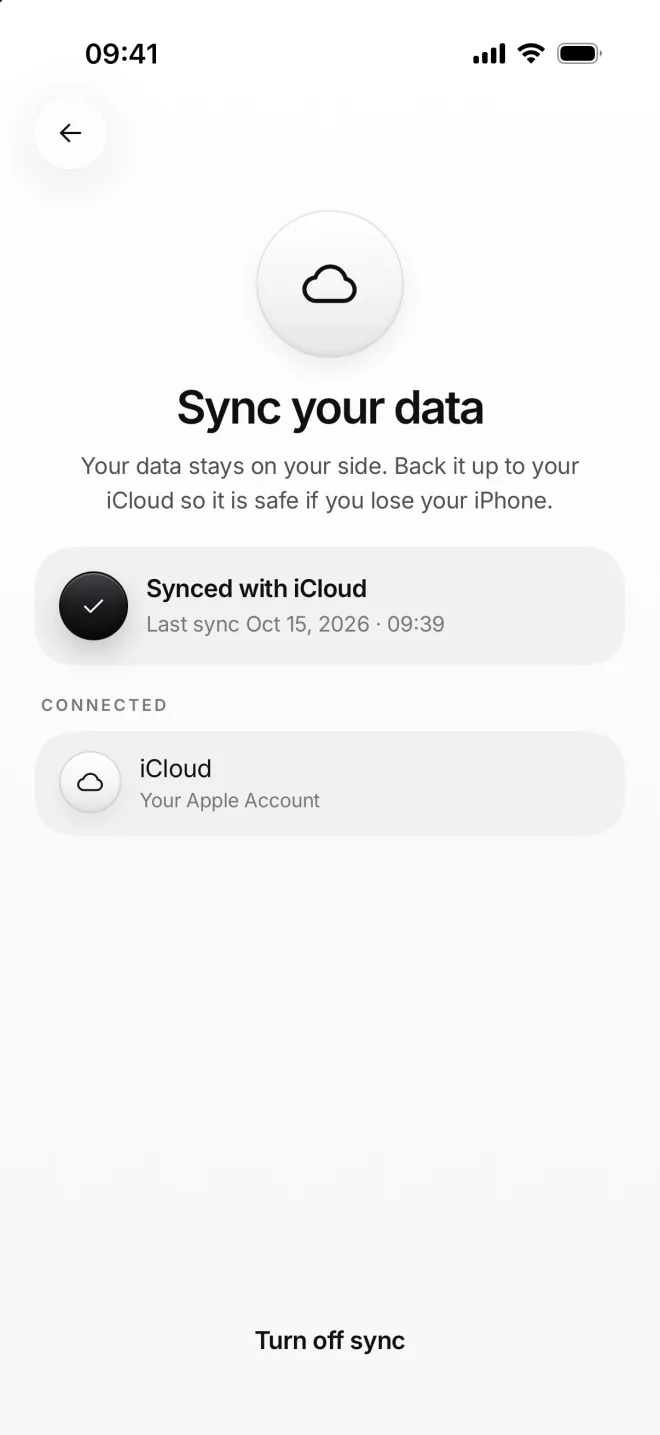
Synced
That’s all. Every change goes up by itself as soon as you save it, and shows up on your other iPhones on the same account.
There’s no Sync now button: it just runs. Theme, color and main currency travel too; App lock and the start screen don’t.
-
See it in Menu
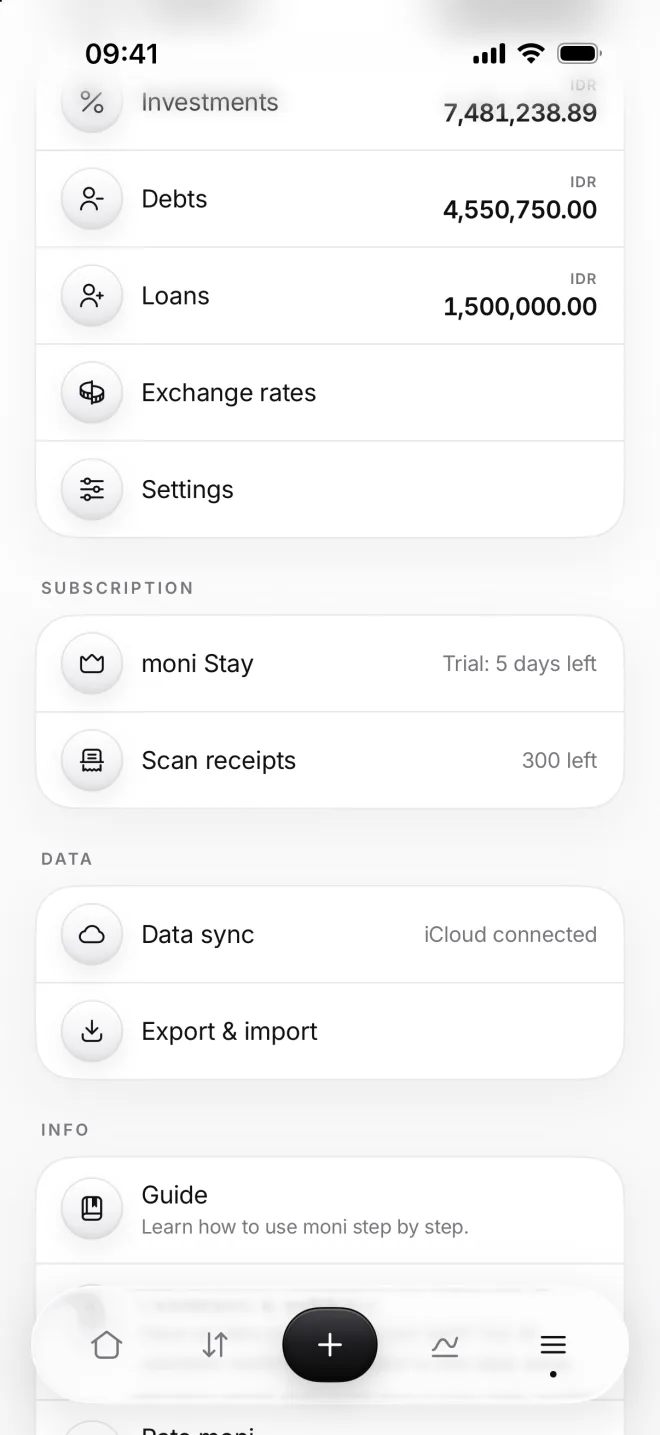
Menu says iCloud connected next to Data sync while sync is on, and Off when it’s not. Tap the row to see when it last synced.
-
On a new iPhone
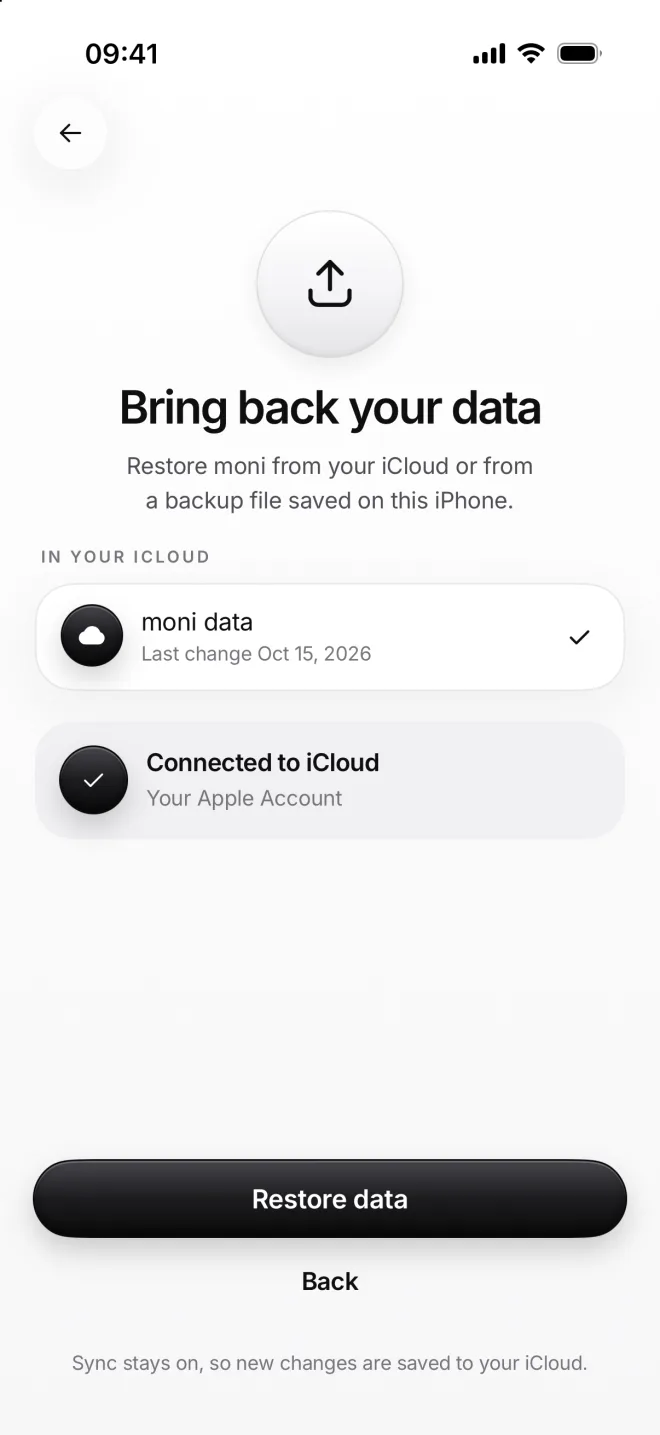
Install moni on the new iPhone, on the same Apple Account. Tap I have my data, then iCloud and Connect your iCloud.
moni finds your data and its last change. Tap Restore data: the setup is skipped, and sync stays on from the very first minute.
-
Turn off sync
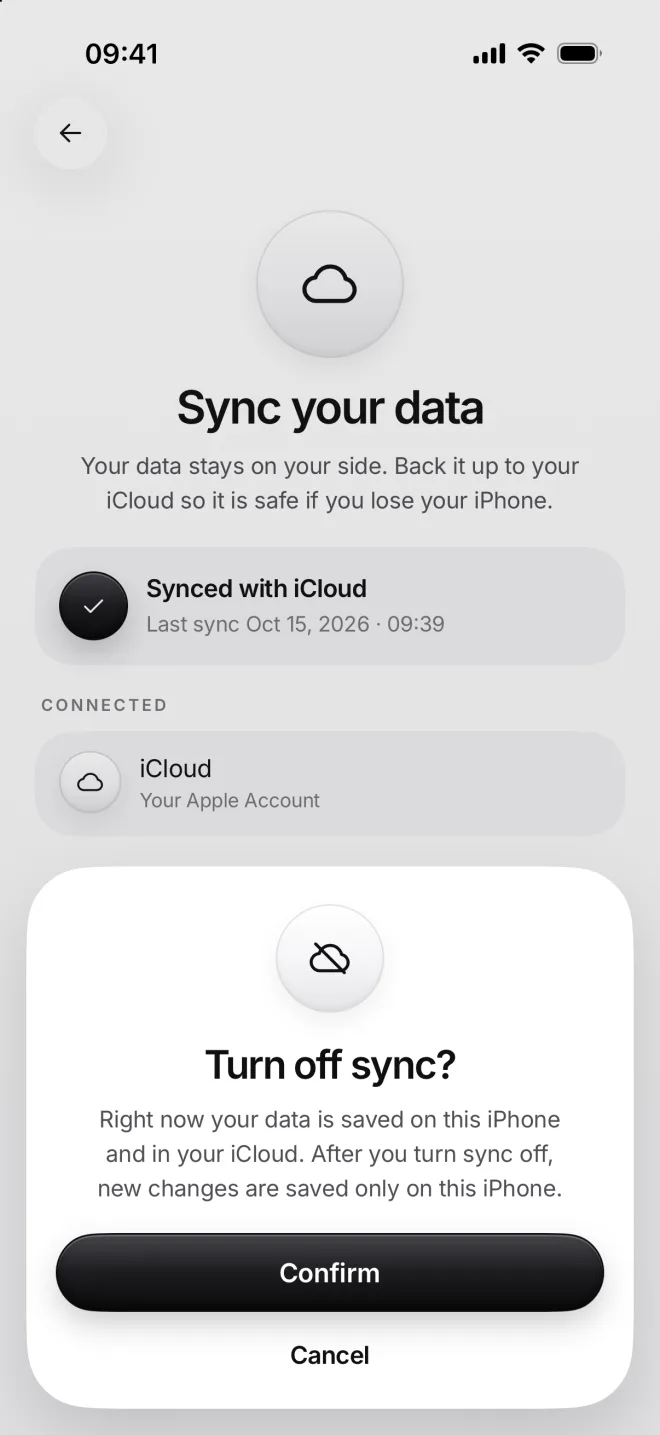
Tap Turn off sync at the bottom of Data sync. Your data stays on this iPhone, and its copy stays in your iCloud as it was.
From then on, new changes stay on this iPhone only. Changed your mind? Undo shows for a few seconds after you confirm.
-
What stays in your iCloud
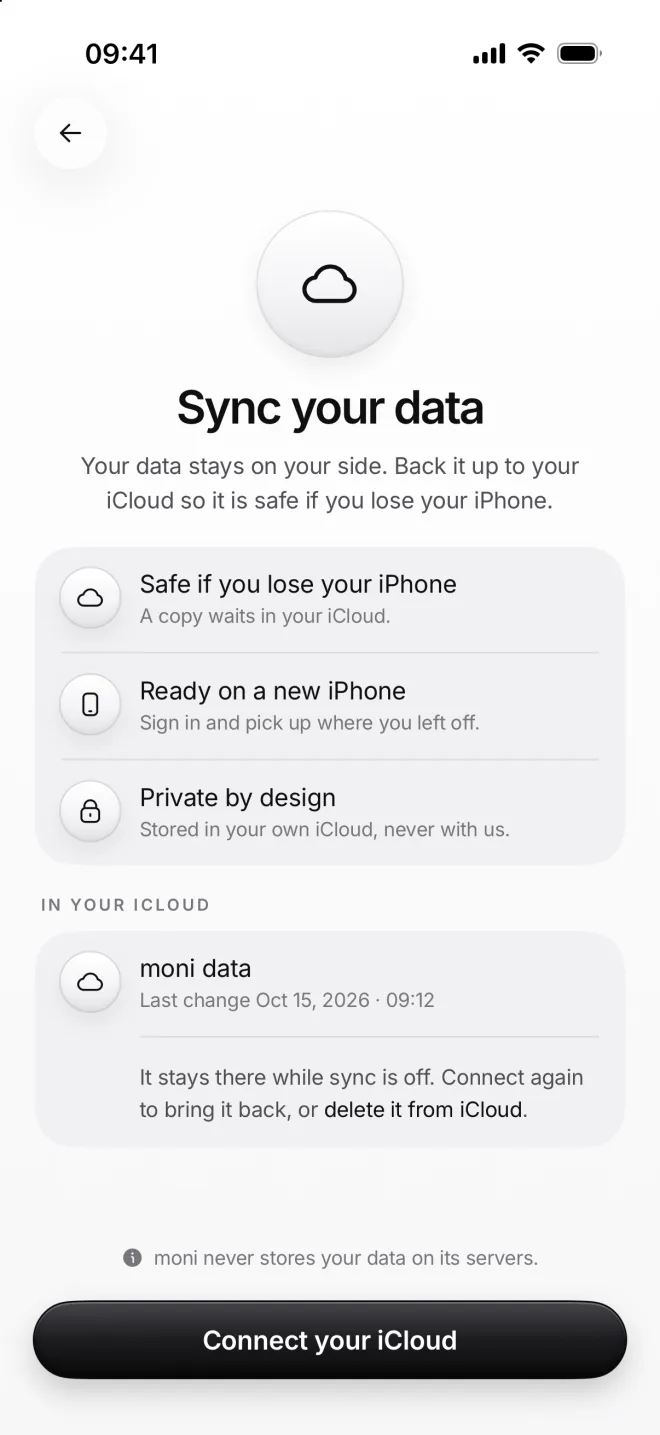
With sync off, Data sync shows the moni data left in your iCloud and when it last changed. Connect again to bring it back.
-
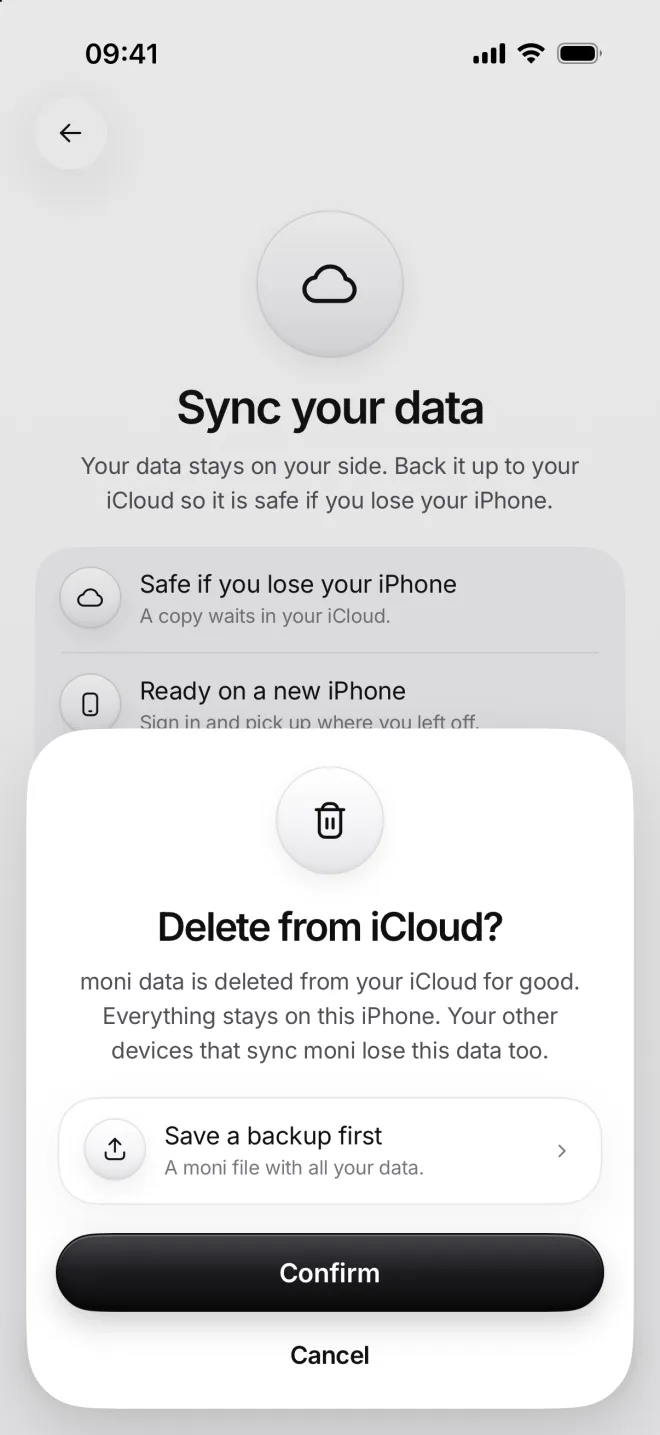
Delete it from iCloud
Tap delete it from iCloud to remove it for good. Everything stays on this iPhone, but your other iPhones lose this data too.
moni suggests saving a backup file first: tap Save a backup first, and it opens Export & import. Then tap Confirm to delete.