Join a shared category
When someone shares a category with you, it joins your moni next to your own categories. You add to it as usual, and nobody sees the rest of your moni.
-
Open the invitation
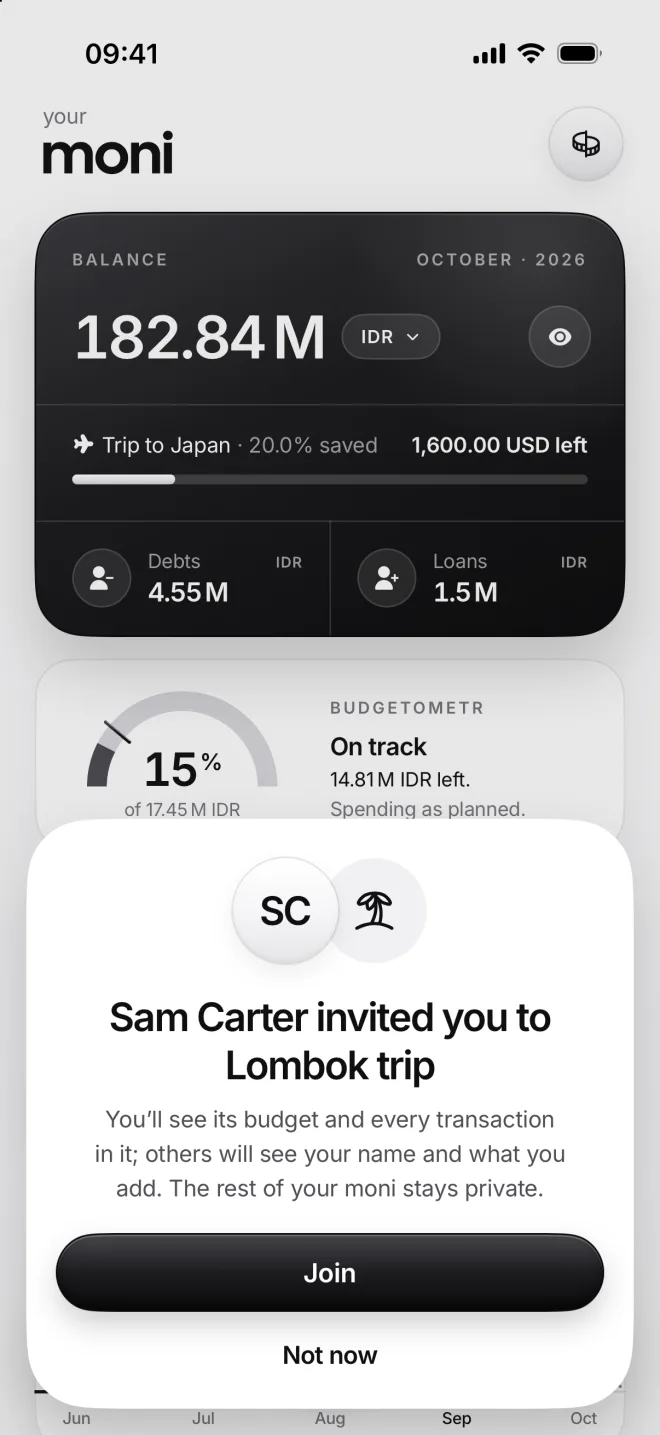
Tap the link someone sent you, in Messages or Mail. moni opens with a card: here Sam Carter invites you to his Lombok trip.
It says what joining means: you’ll see its budget and every transaction in it, and they’ll see your name and what you add.
-
Tap Join
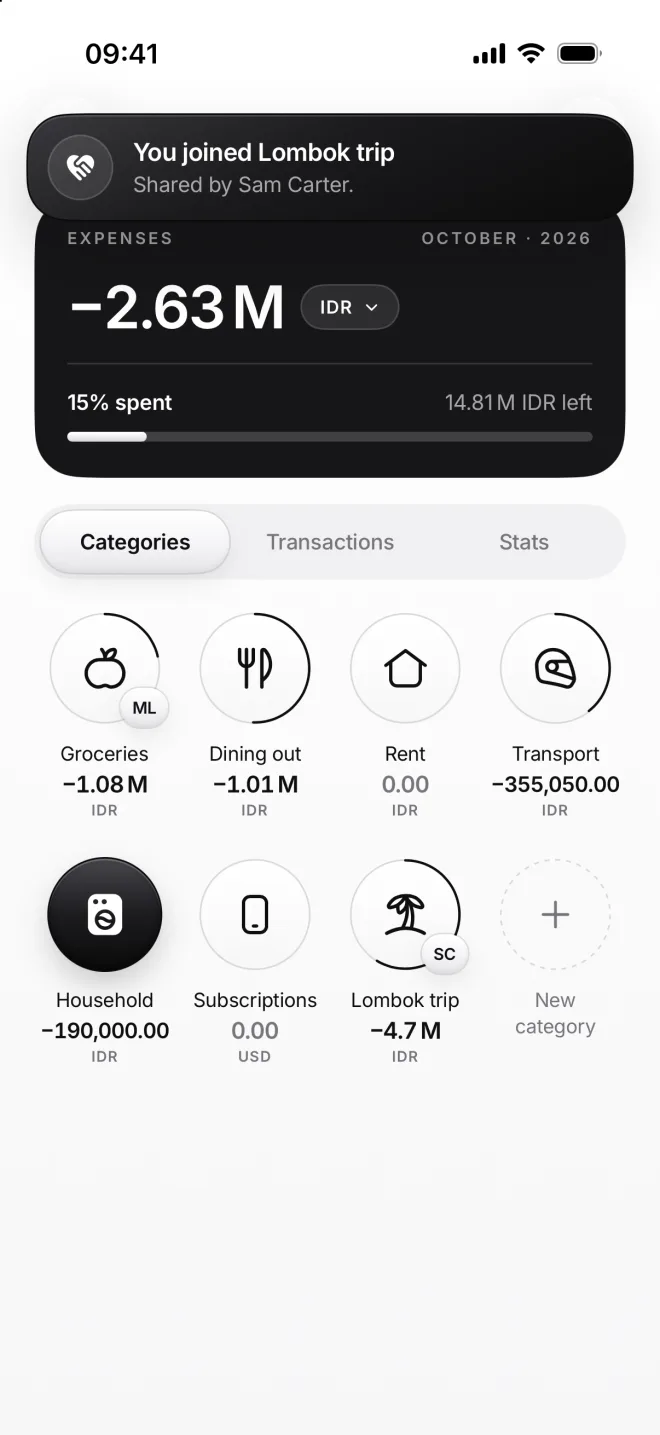
The category comes into its section, with its people’s initials on the dial: Lombok trip is now among your expenses.
Its budget, its transactions and its Budgetometr are shared with everyone in it; your other categories stay yours alone.
-
See who’s in it
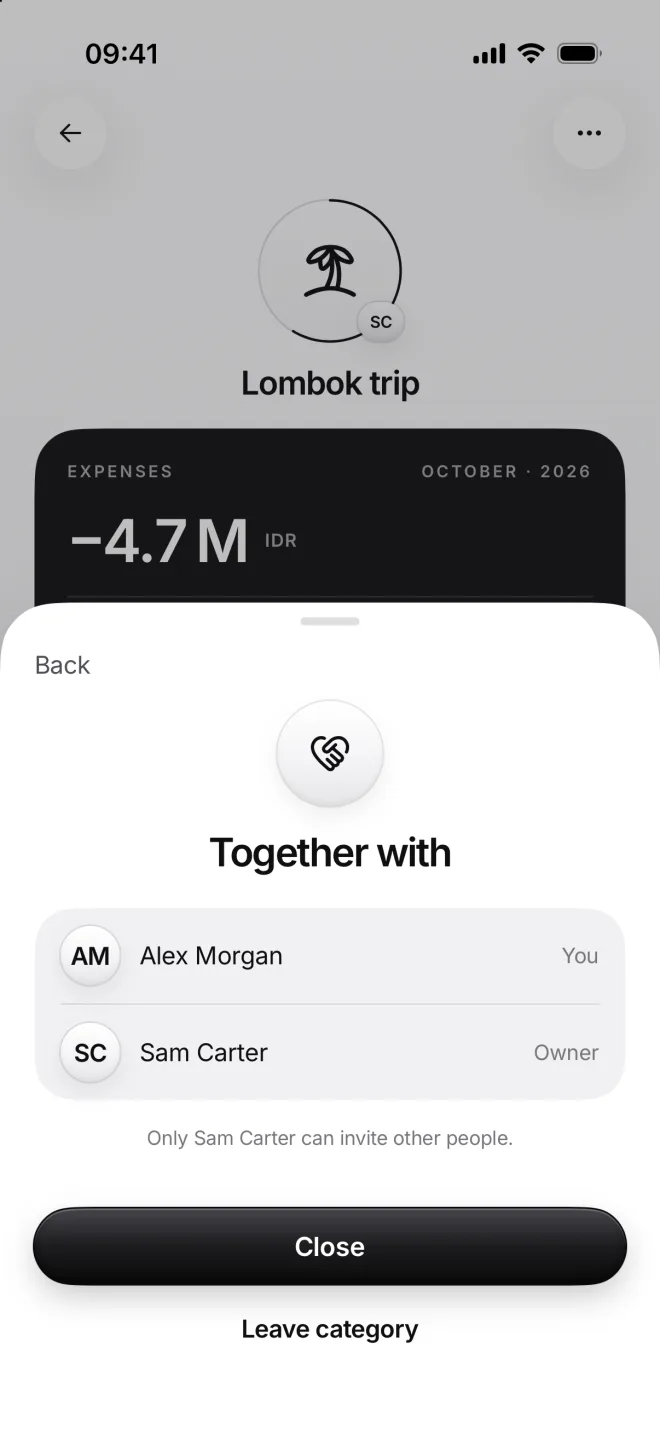
Open the category and tap ··· and then Track it together: you see everyone who has joined, with the owner marked Owner.
Only the owner can invite people or change the category. From here you can also leave it: see Lesson 12.