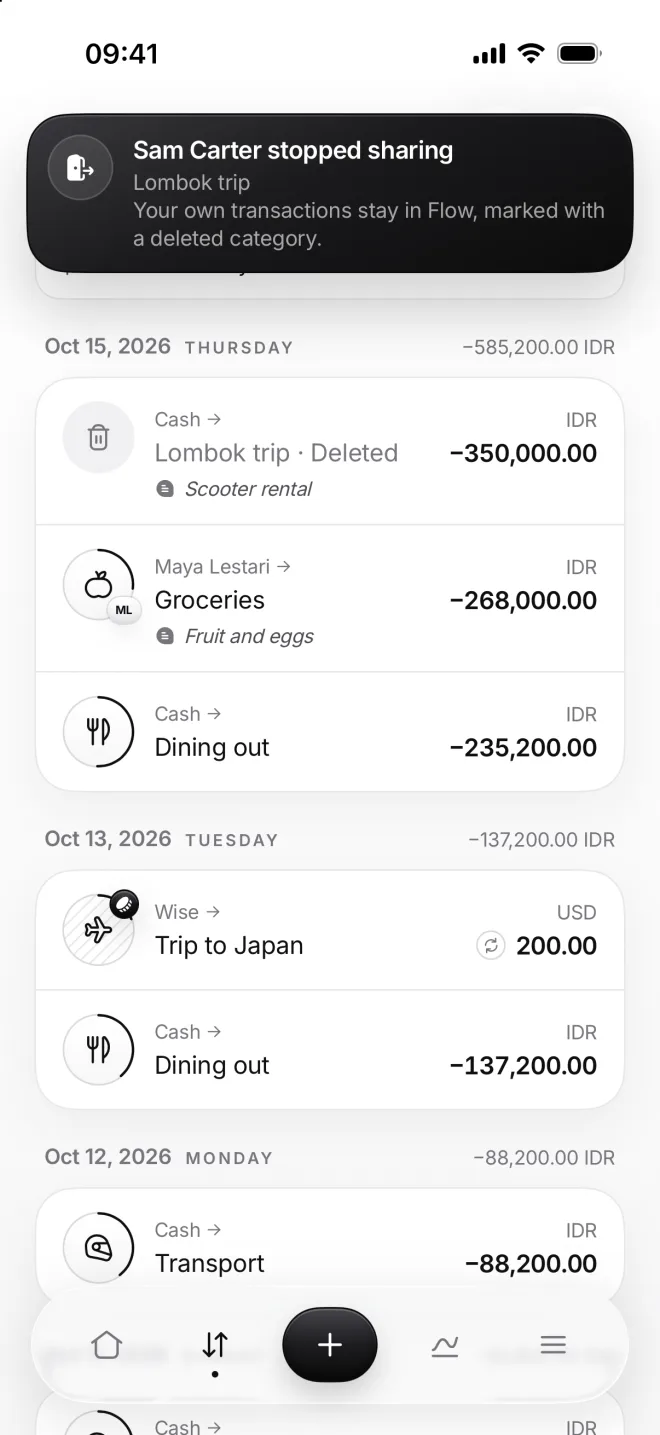
Leave or stop sharing
Sharing ends when you want it to. A member can leave at any time; the owner can remove a person or stop sharing. Nobody loses what they added themselves.
-
Leave a category
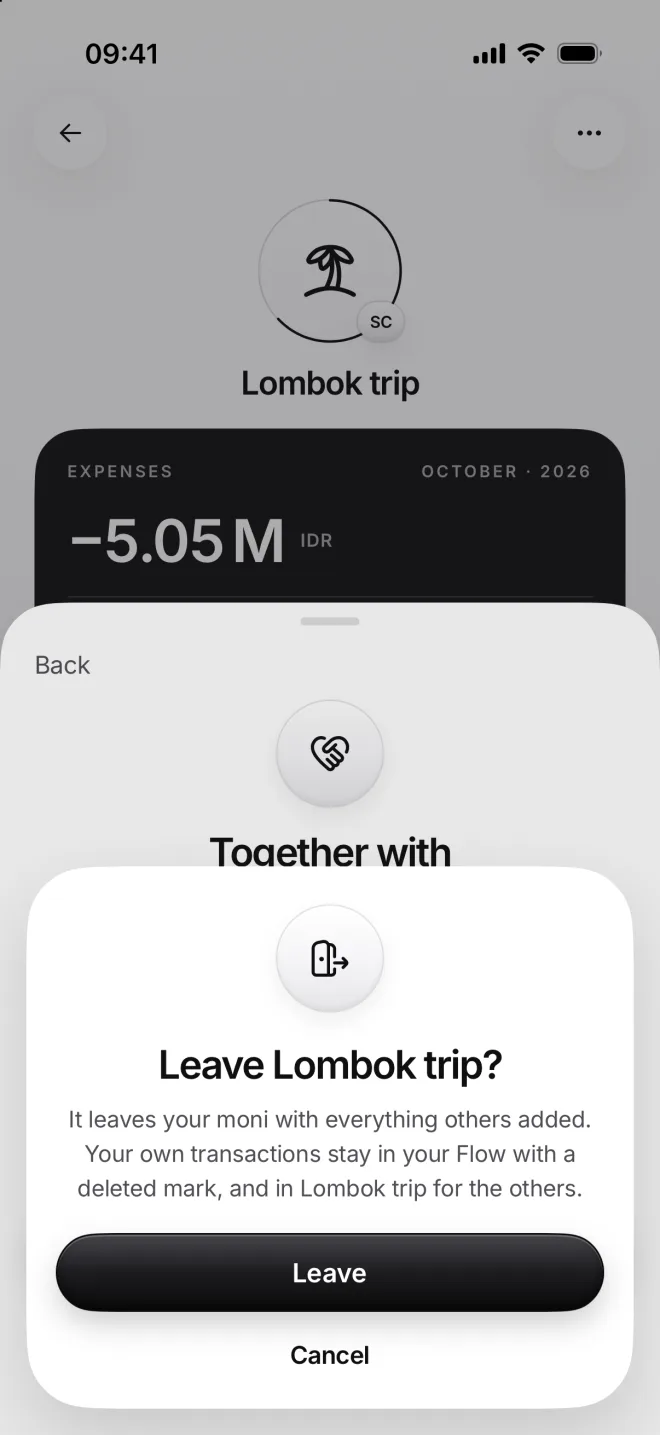
Open it, tap ··· and Track it together, then Leave category. The category leaves your moni, with everything others added.
Your own transactions stay in your Flow, marked with a deleted category, and stay in the category for everyone else.
-
Remove a member
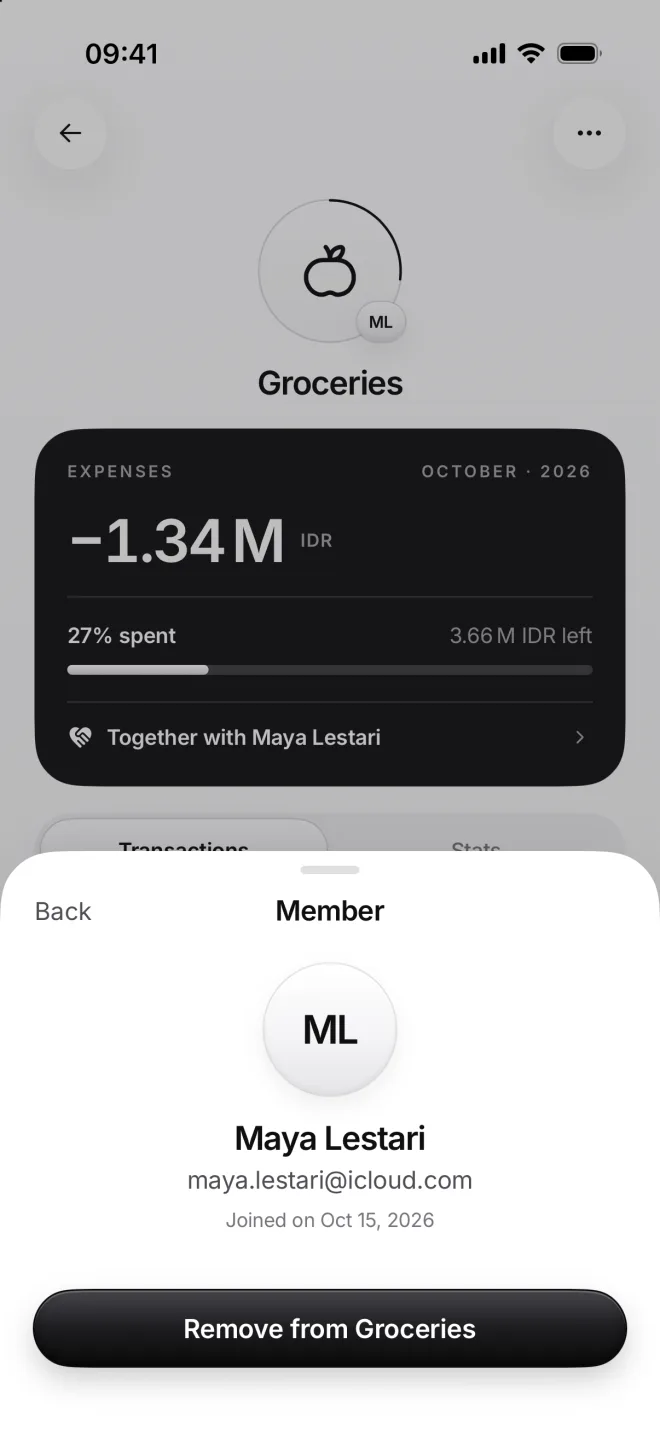
If you’re the owner, open Track it together and tap a person to see when they joined. Remove from Groceries takes them out.
Whatever they added stays in your category under their name, and in their own moni, marked with a deleted category.
-
Stop sharing
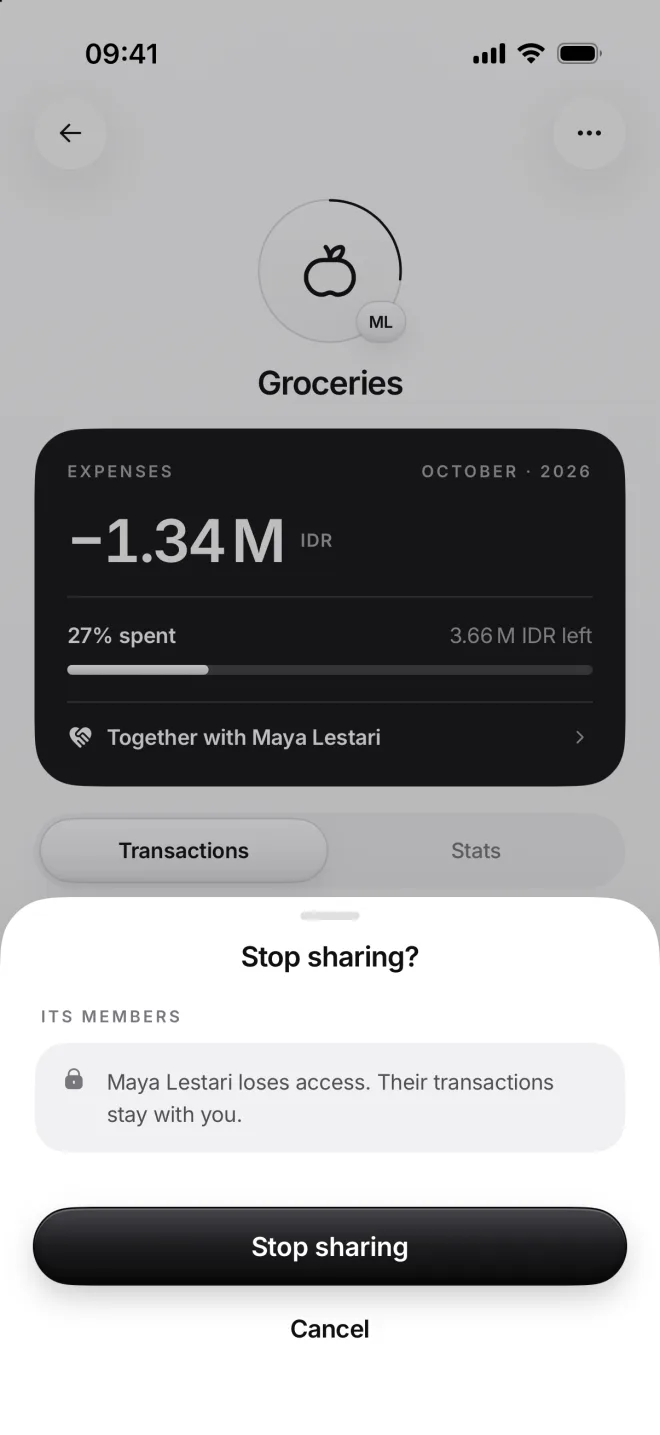
Stop sharing, at the bottom of Track it together, makes the category yours alone again. Everyone else loses access to it.
Their transactions stay with you, so your totals don’t change. Deleting a shared category also deletes it for everyone else.
-
When the owner stops
When the owner stops sharing, removes you or deletes the category, moni tells you, and the category leaves your moni.
Here Sam stopped sharing Lombok trip. Your scooter rental stays in Flow, marked Lombok trip · Deleted, so your money adds up.